Latest FAQ
185 results found
How to add a new store?
Enter the warehouse module, then add the settings module and add the warehouse
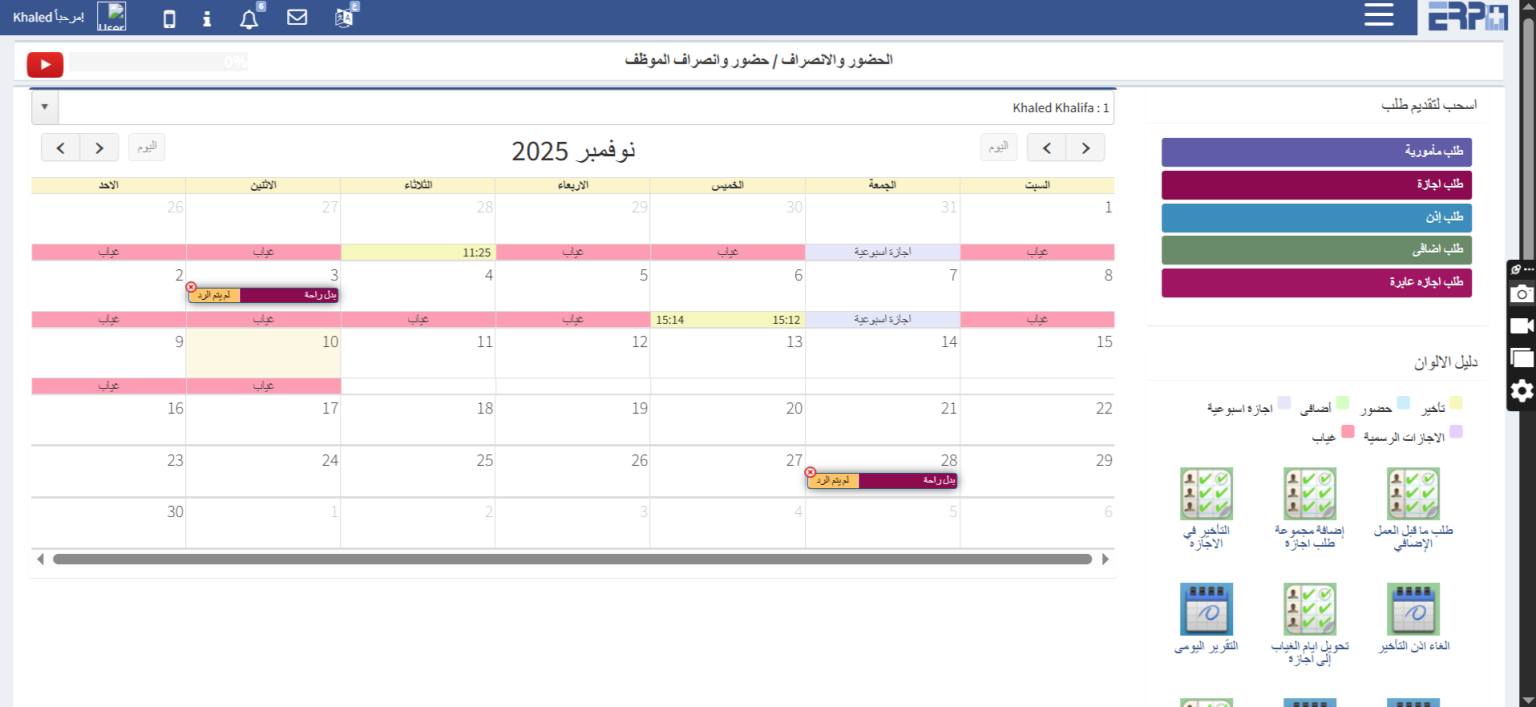
How can employees' absence, attendance, and fingerprint days be reviewed?
Through the attendance and departure module, then filling in the attendance and departure module, a calendar appears with the days of the employee’s attendance... Read more
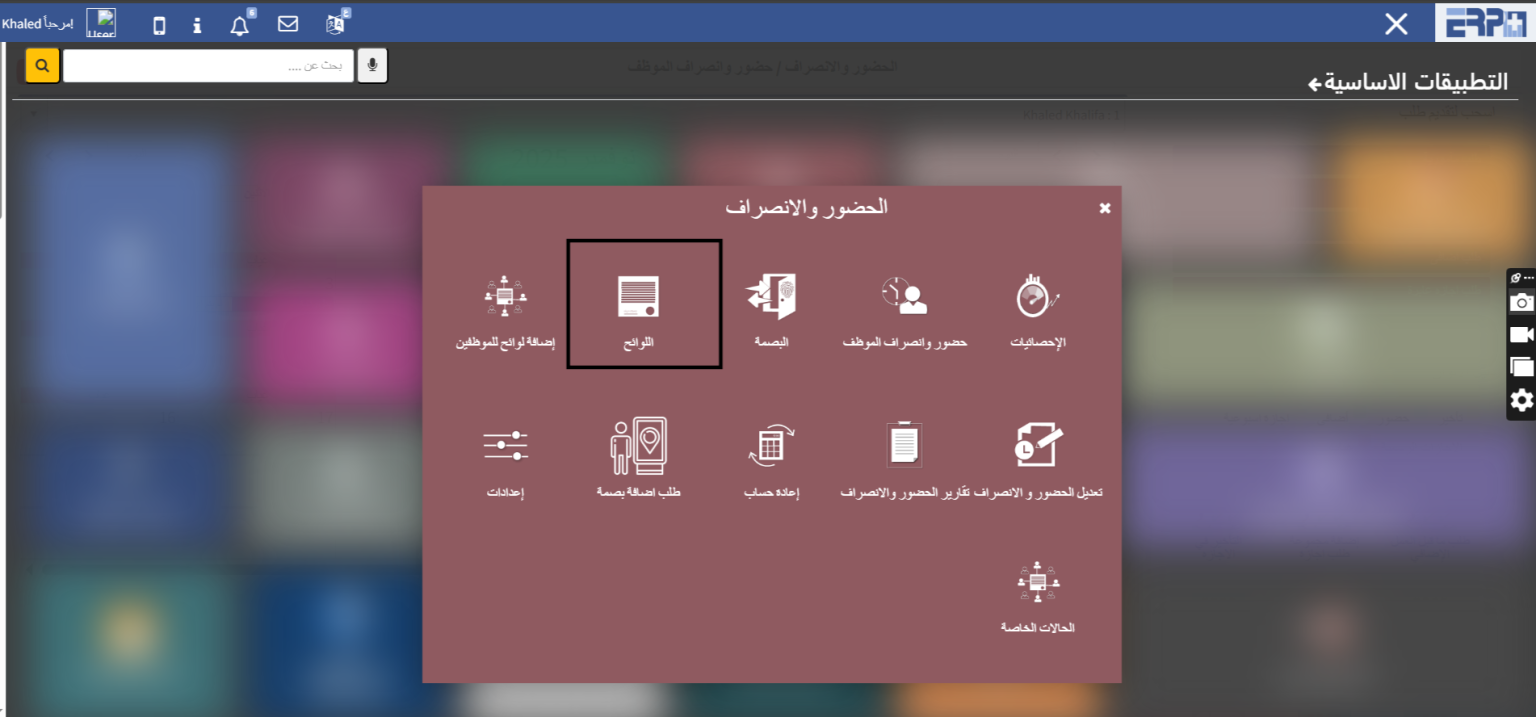
How can attendance and departure lists be made, and is there a possibility to make more than one list?
Regulations for attendance, departure, delays, and additional ones The regulations are created through the attendance and departure module, then the regulations... Read more

How can vacation lists, types and preparation be made?
The leave settings are added through the attendance and departure module, then the regulations, then we click on the leave tab
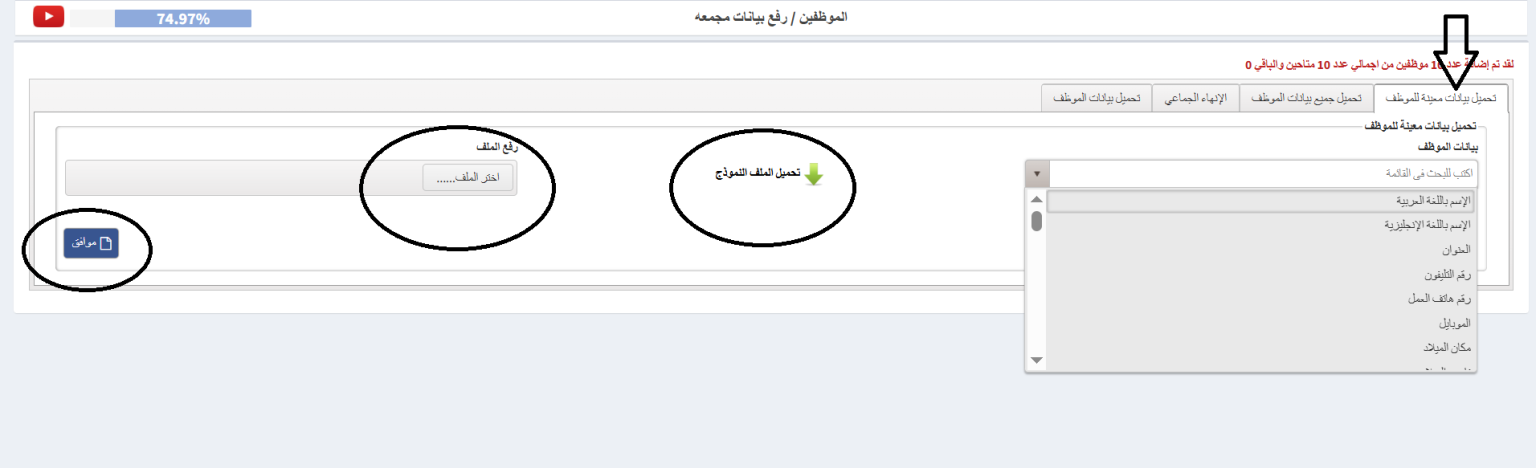
Is there a possibility to modify certain collected data?
Data is uploaded in bulk through the employee module, then the module is uploaded in bulk data. Then, from the first tab, the statement is selected, then the fo... Read more
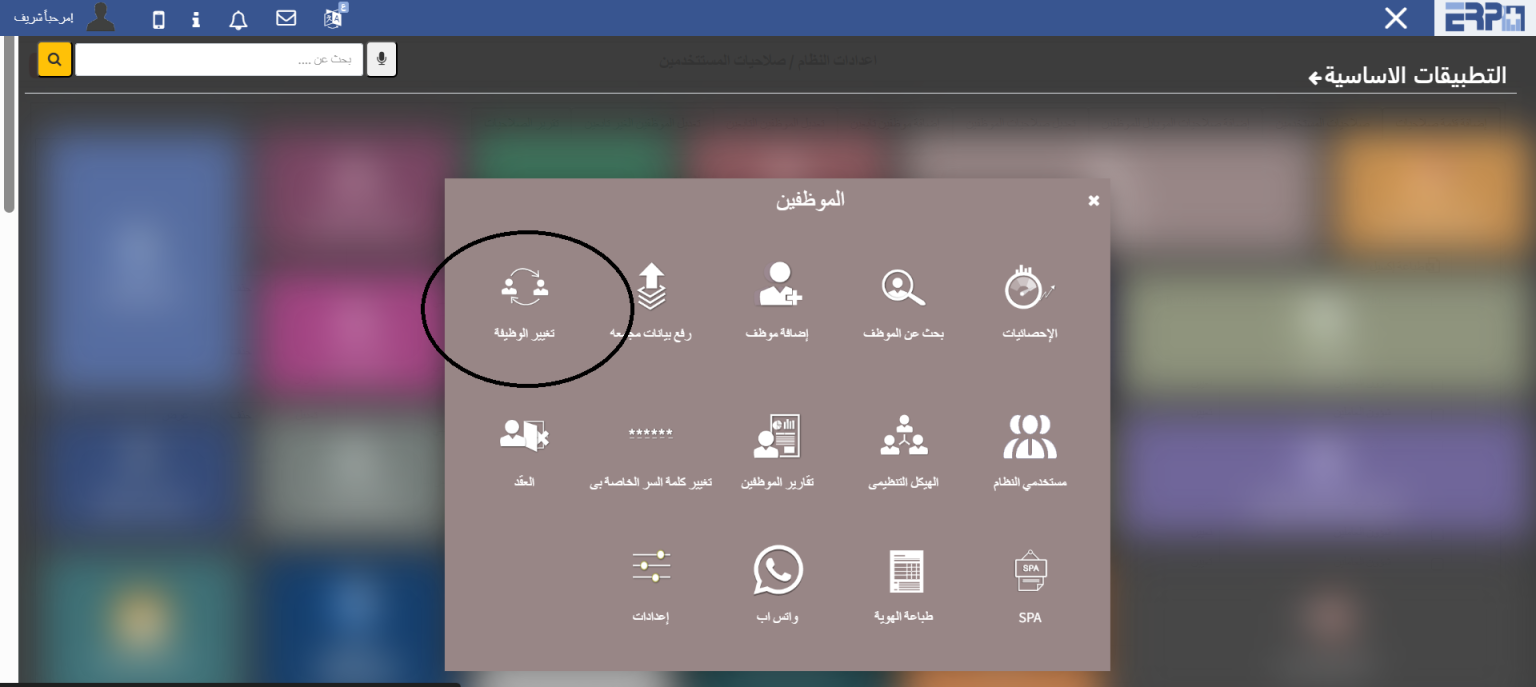
How can an employee's job be changed?
The employee’s job is changed through the employee module, then the job module, then the employee selection module. The job, unit, or department of the employee... Read more

How can I review salary statistics?
Enter the salaries module, then enter the statistics module

How can a salary be established for an employee in the system?
Enter the salaries module, then fill in the salary data module and establish the data, then click on the salary item settings button. The company’s salary items... Read more
How to add an employee to the system?
Go to the Employees module, then enter the module for adding the employee
How to search for employee data in the system?
Through the employee module, the fertility module, to search for an employee, the search is done through the employee code or name
How to search for employee data in the system?
Through the employee module, the fertility module, to search for an employee, the search is done through the employee code or name
How to modify employee data?
Enter the Employees module, and under the Search for Employee module, there is an edit box
How is an employee's services terminated?
Enter the Employees module and from the module for searching for an employee there is an End of Service field
Is there a possibility to upload collected employee data via an external Excel sheet?
Enter the employee module and then enter the module for uploading collected data from the upload all employee data box. You can download the Excel sheet, fill i... Read more
Is there a possibility to modify certain collected data?
Through the employee module, enter the module to upload collected data, then choose the box to upload specific information for the employee, download the sheet,... Read more
How can an employee's job be changed?
Through the employee template, the job change module is selected and the new job is selected.
How are permissions determined for system users?
Through the employee module, the module for system users is selected and then the employee’s authority is determined
Is there an organizational structure? How can it be built and modified?
Through the employees module, one can access the organizational structure module, add a department, then a unit, and link it to the department, then add a job a... Read more
How to add departments, units and jobs?
Entering the employees module, and from the template for the organizational structure, you can add a department and a unit, link the unit to the department, and... Read more
How can I print reports with employee data?
From the Employees module, then fill in the Employee Reports module. Any statement for the employee, such as employees of the insured, can be printed
Is it possible to control the details and columns of reports?
By displaying data columns, you can control the display and hiding of columns
Is it possible to filter the data in the report?
Can be filtered by a specific date
How can employees' absence, attendance, and fingerprint days be reviewed?
Through the employee attendance screen
How can employee requests (leave, errand, additional overtime request) be submitted?
Through the employee attendance screen
How can an employee review his requests, follow up on their status, or delete them?
By viewing my requests
How can managers follow up on requests from subordinate employees and accept or reject them?
By viewing follower requests
Is it possible to review statistics on attendance and departure?
Through the statistics screen
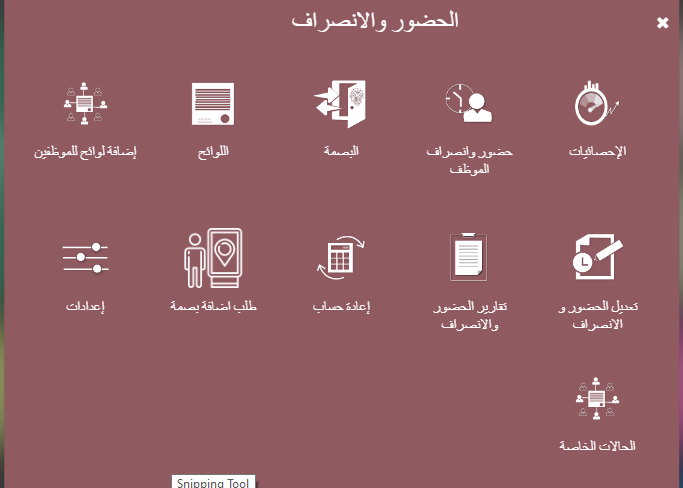
How can attendance and departure lists be made, and is there a possibility to make more than one list?
Through the regulations screen
Need more help?
Our support team is always ready to assist you.