Latest FAQ
16 results found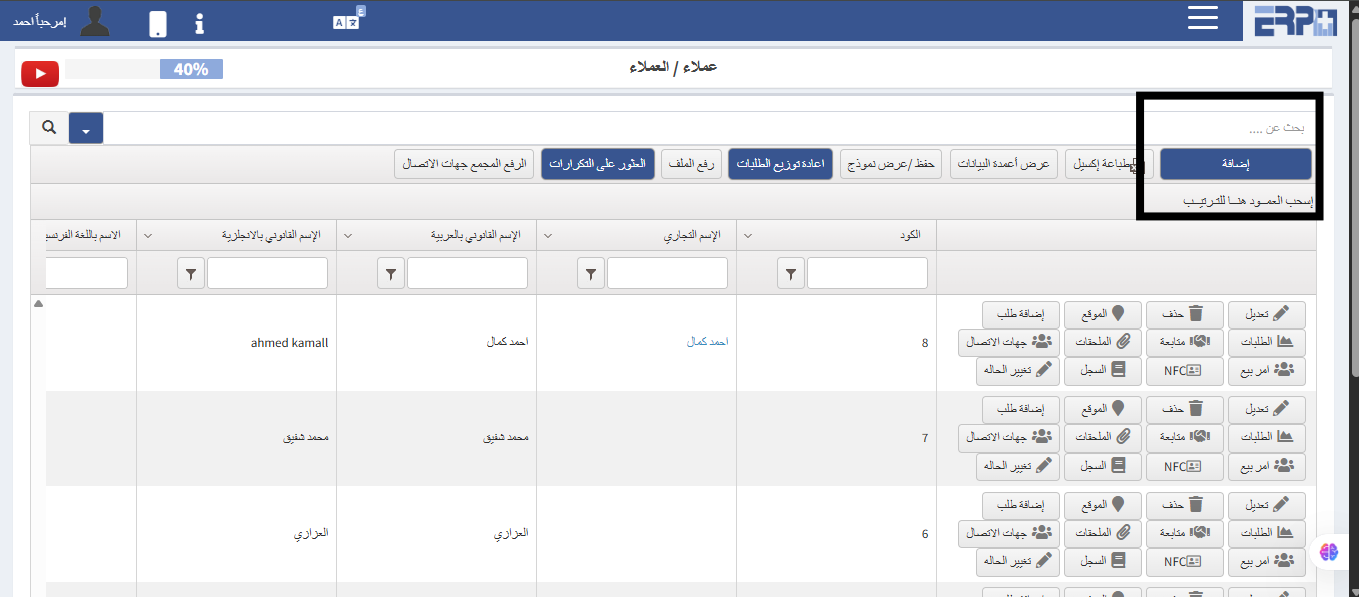
How to add customers to the system?
From the customer management module, click on the customer module and click on the add button
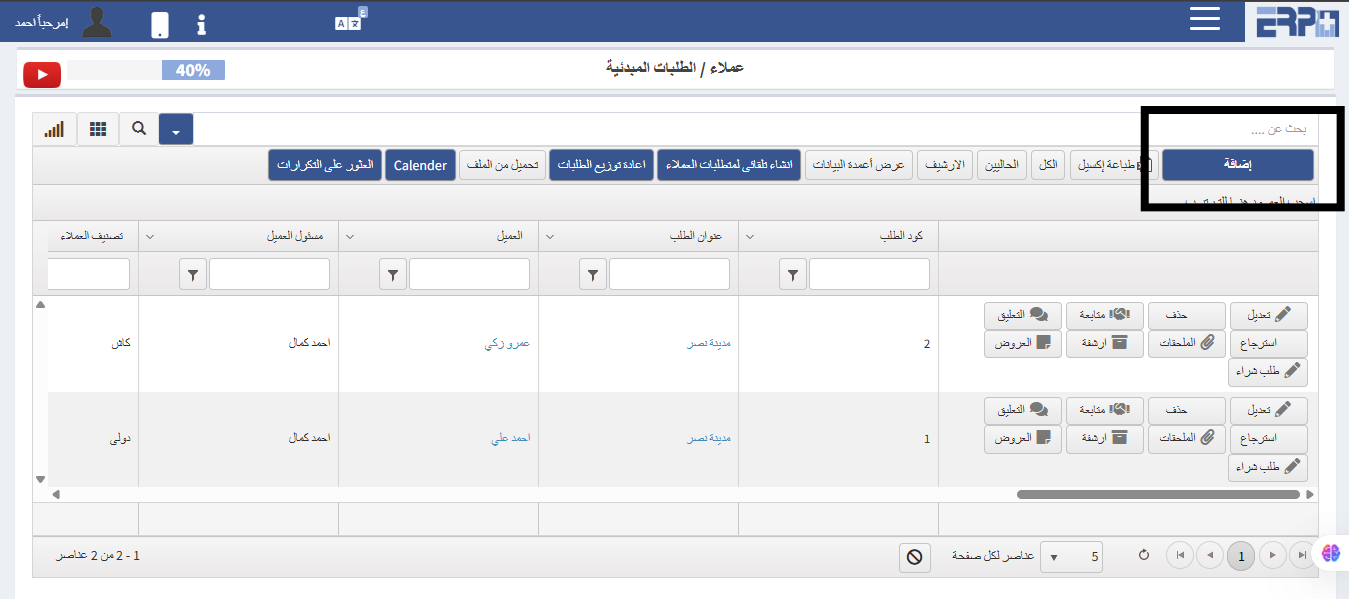
How to make initial orders for a customer?
From the customer management module, the module for initial orders is created.
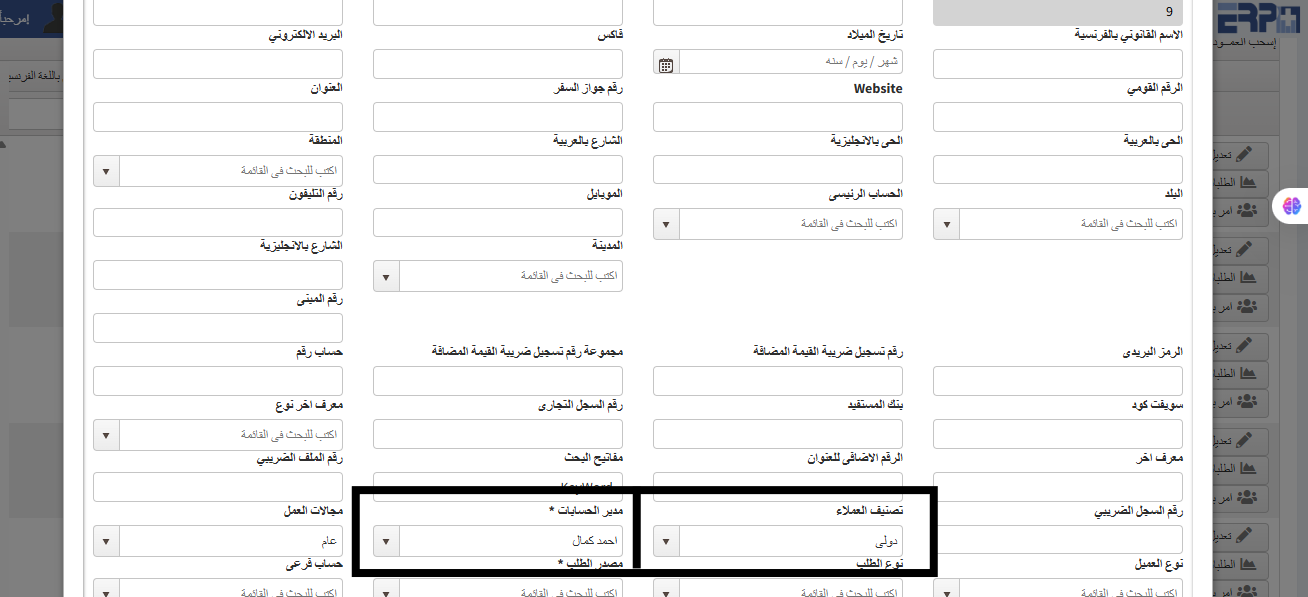
How to show all customers to anyone other than their account manager?
From the customer management module, create a customer module when adding a customer. This is done by not linking them to a specific account manager or specific... Read more
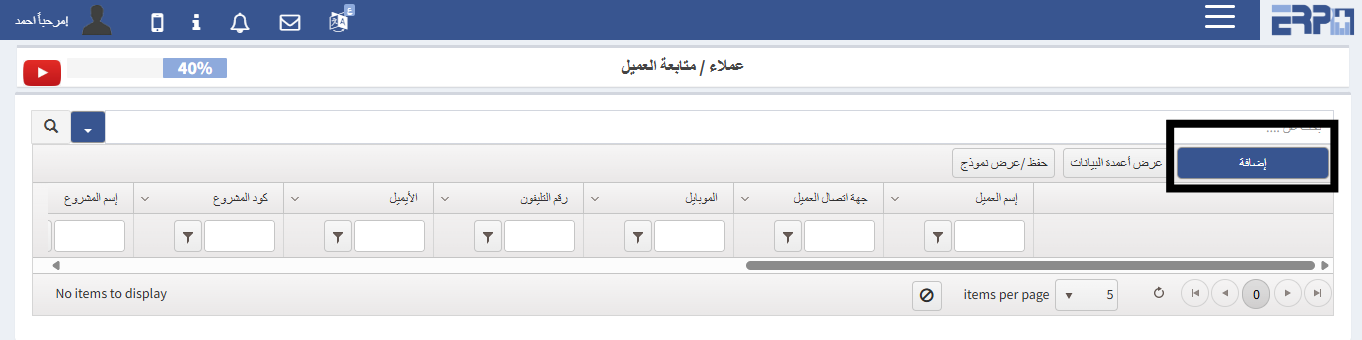
How to follow up on the client?
From the customer management module, through the customer follow-up module, a follow-up is done
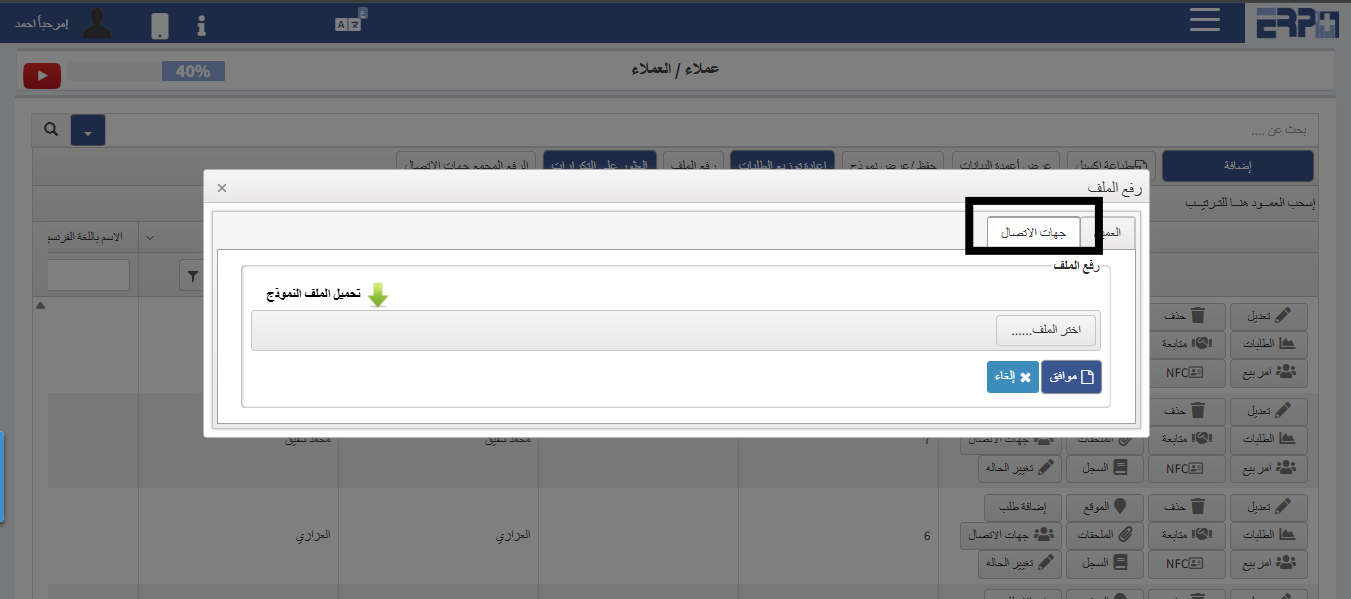
How to upload customer contacts in bulk?
From the customer management module, download the client's module, and by uploading the file, the file is downloaded, then filled and uploaded again
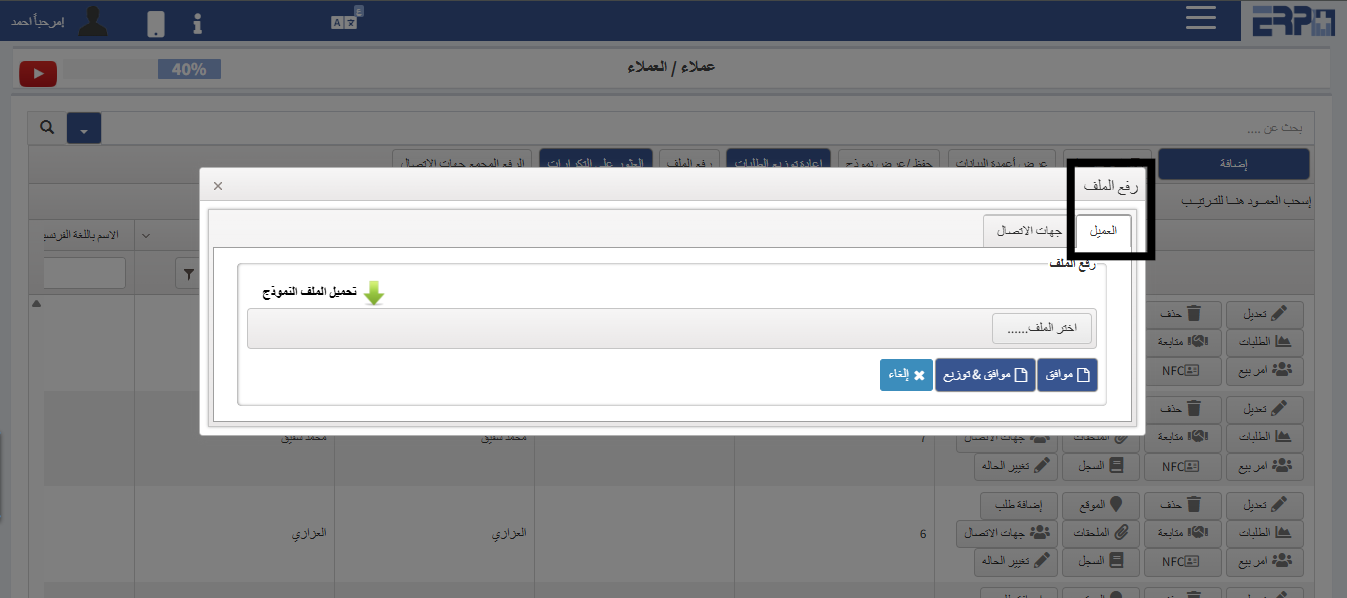
How to raise clients in bulk?
From the customer management module, download the client's module, and by uploading the file, the file is downloaded and then recorded and uploaded again
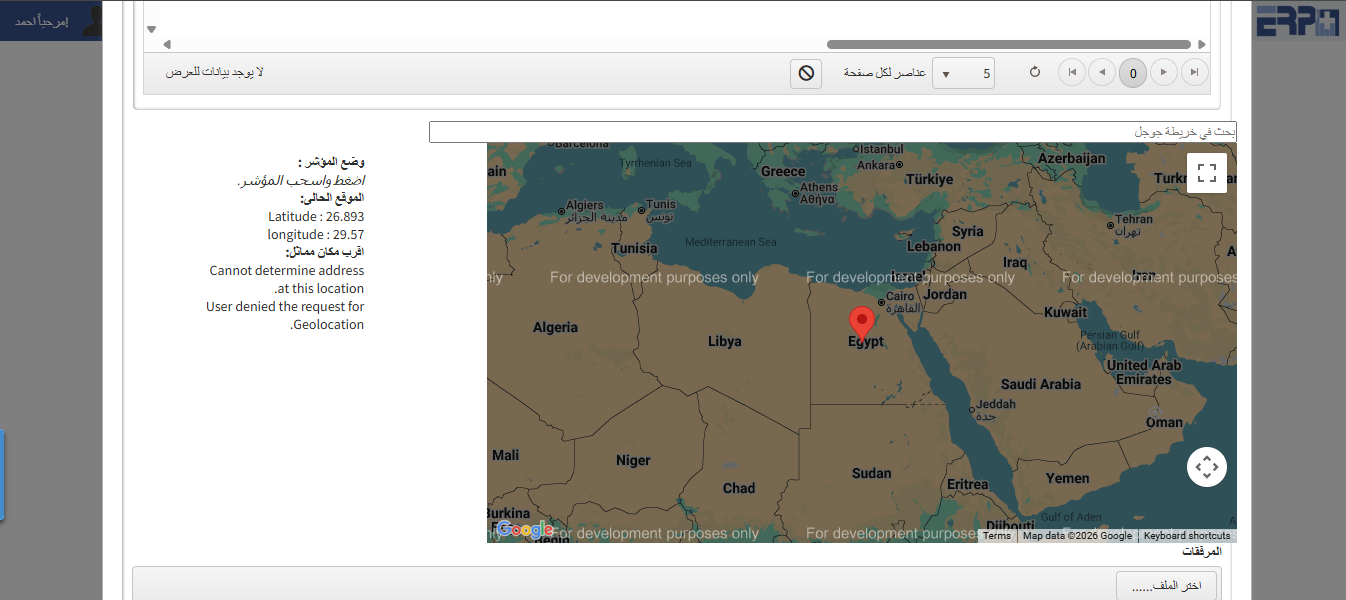
How to add customer sites?
From the customer management module, Subscribe to the Clients module. When you add the client, the site is added, and you can view all the clients’ websites thr... Read more
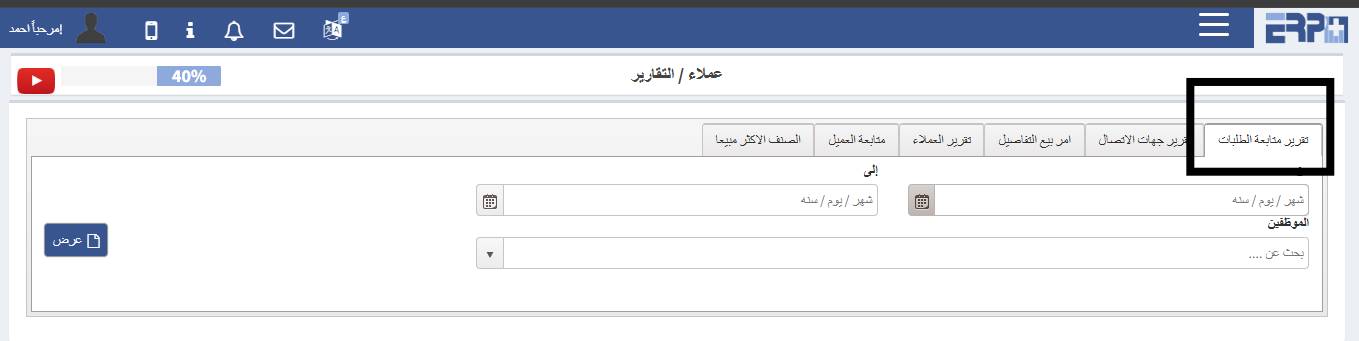
How to withdraw a report on tracking requests?
From the customer management module, enter the reporting module, select the order follow-up report, then choose the period, and you can choose a specific employ... Read more
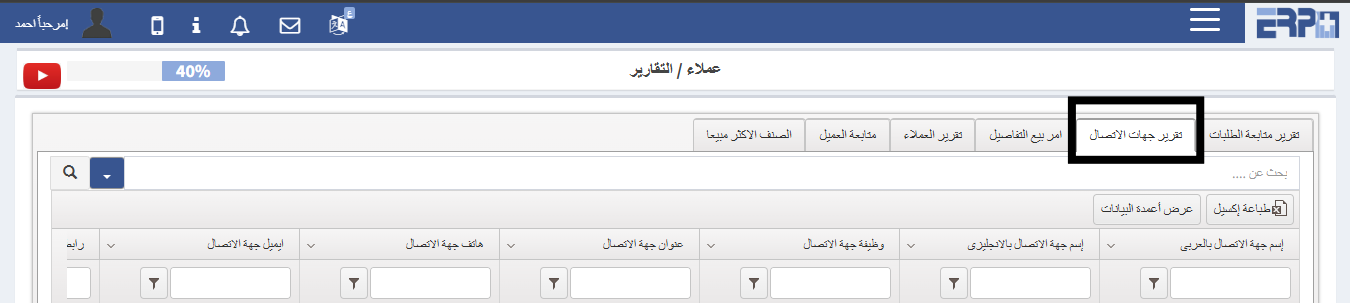
How to withdraw a report for contacts?
From the customer management module, download the reports module, choose the contacts report, and print it
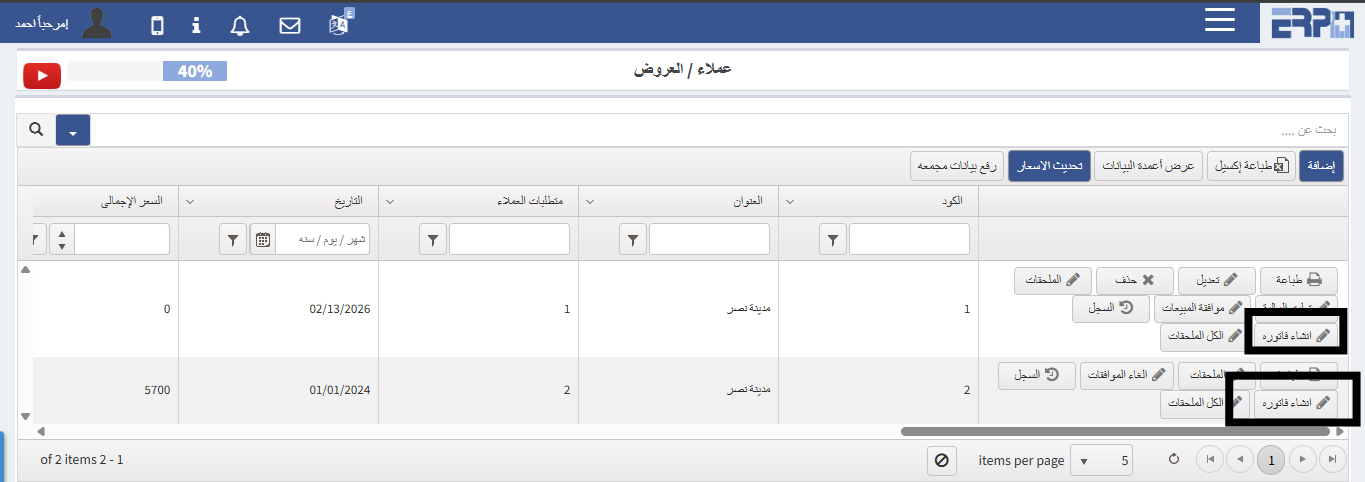
How to create an invoice for the offer?
From the Customer Management module, click on the Offers module, we search for the offer and then click on the Create Invoice button
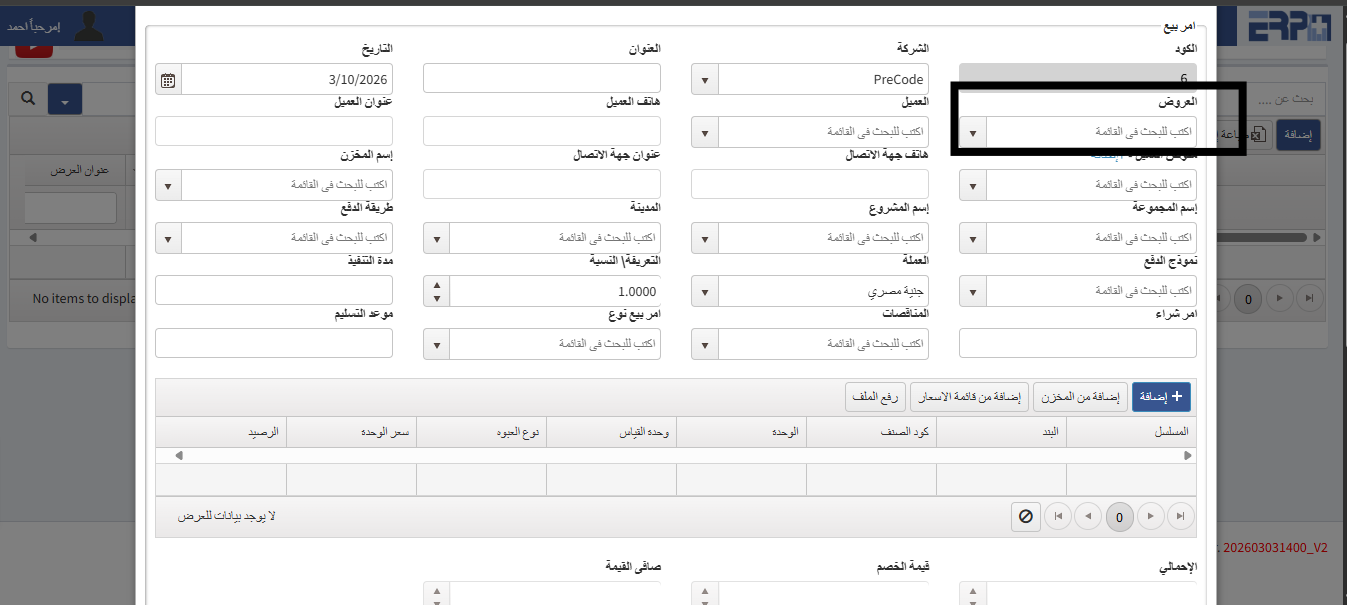
“How to link offers and a sale order?
From the customer management module, fill in the sales order module, click on Add, then the offer is selected and a sales order is created with it
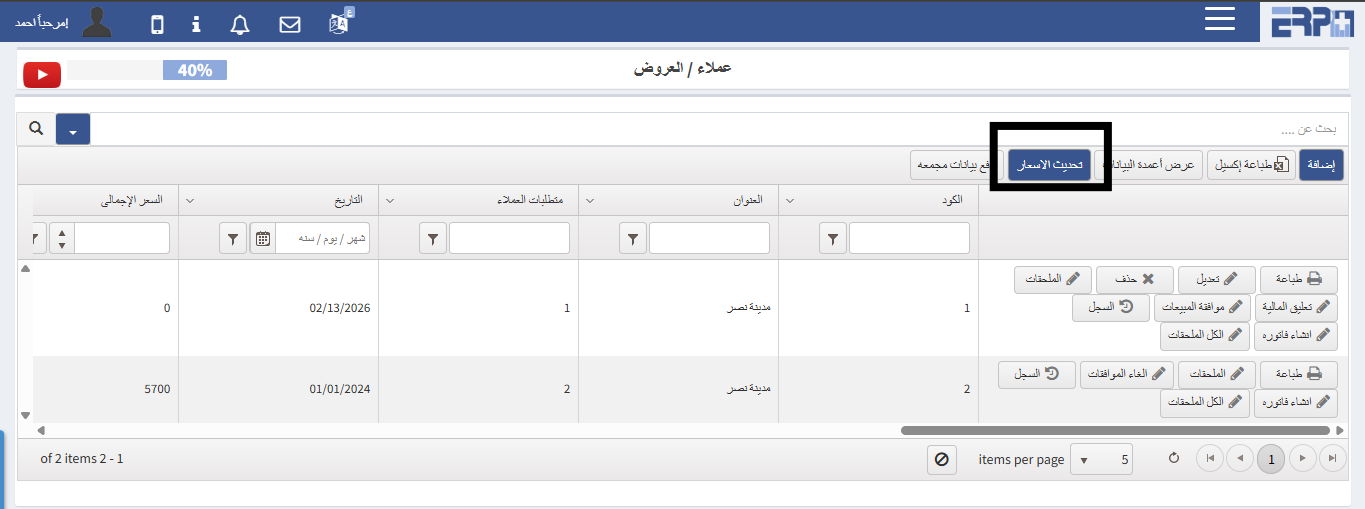
How to update prices when prices increase or decrease?
From the customer management module during registration, the offers module, there is a box for updating prices
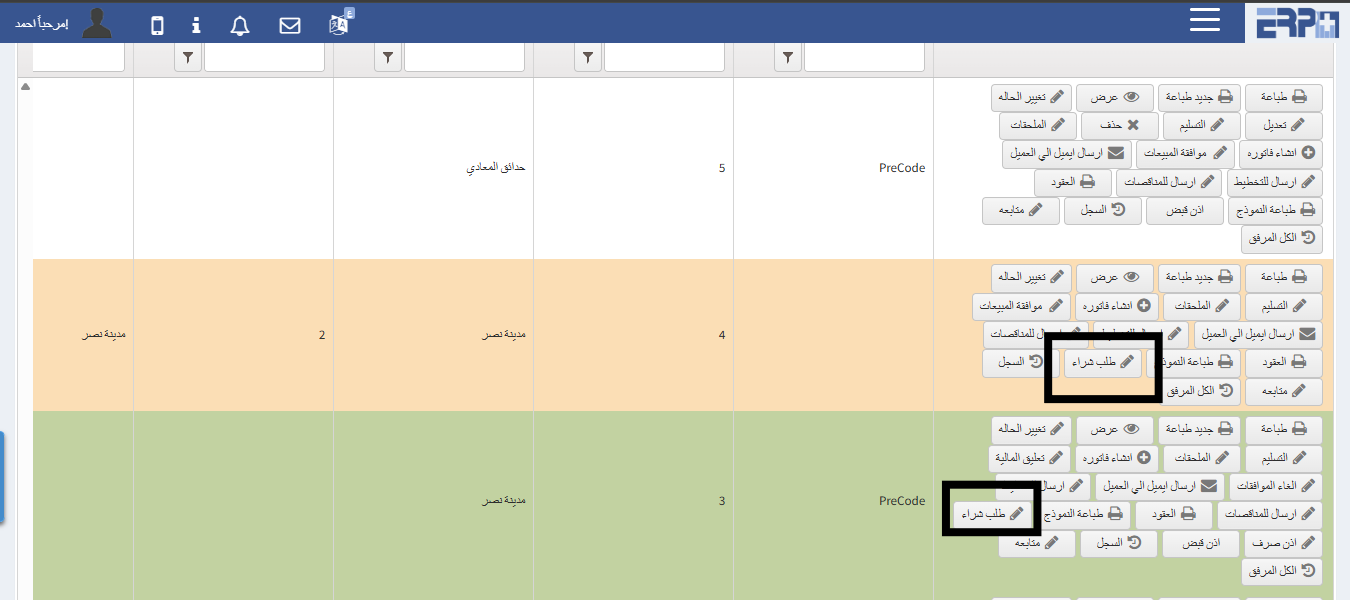
How to make a purchase order for a sale order?
From the customer management module, fill in the sales order module. A sales order is created, and after saving, you can press the purchase order button
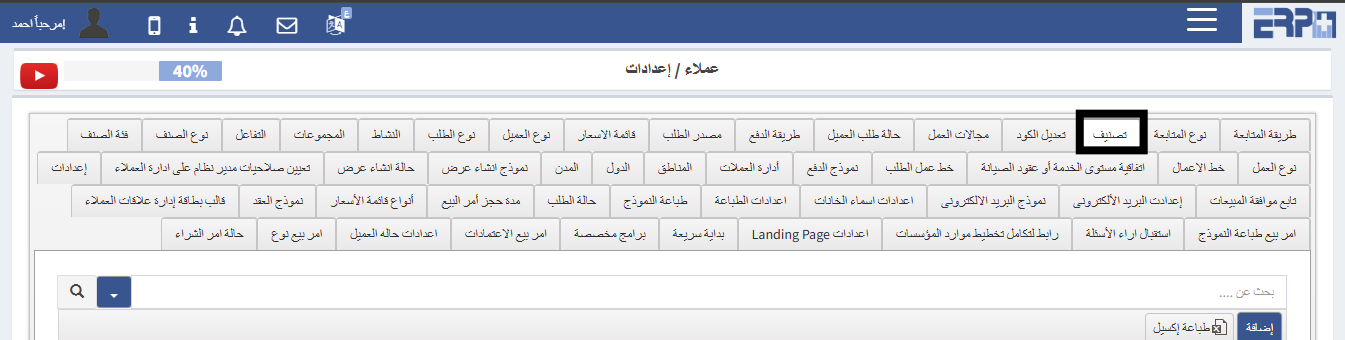
How to add customer classifications?
From the Customer Management module, in the Settings module, we select the classification, then click on Add to record customer classifications
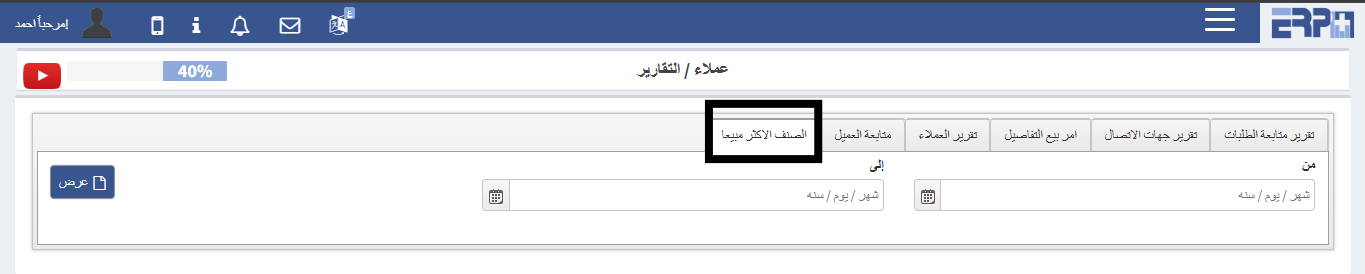
How to extract the best-selling items report?
From the customer management module, click on the reports module, we click on the best-selling item report, the date is selected, and all the data appears
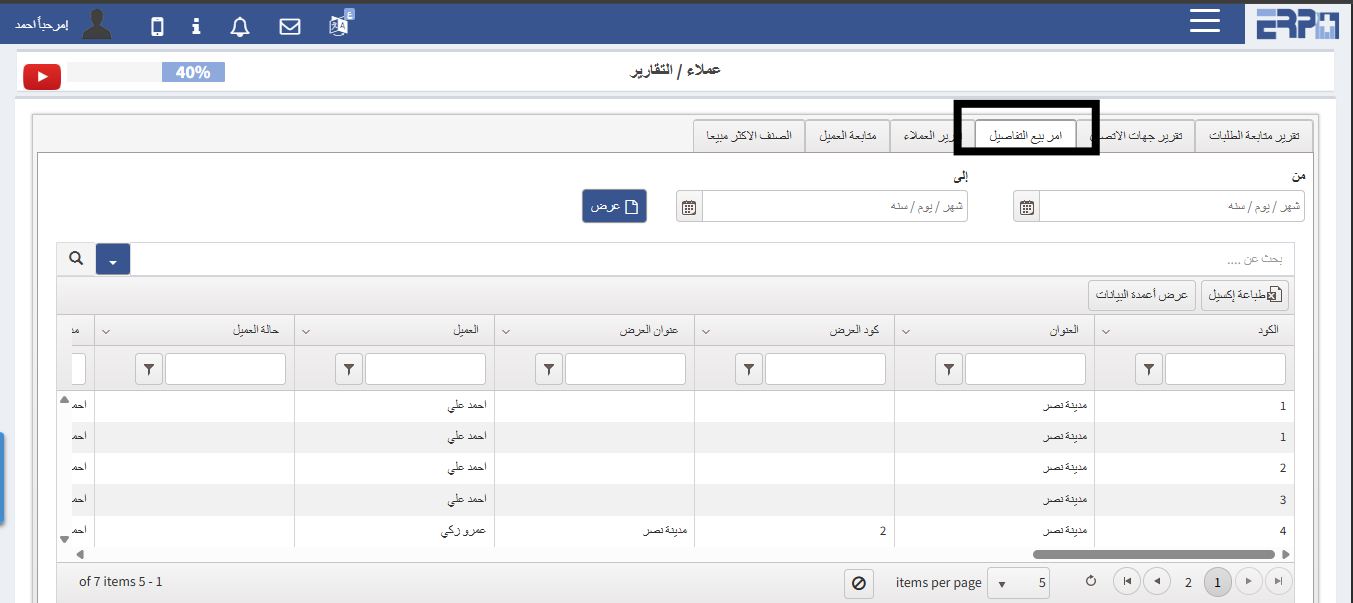
How to extract a sale order report with details?
From the Customer Management module, click on the Reports module, we click on the sales order report with details, the date is selected and all data is shown
Need more help?
Our support team is always ready to assist you.