Latest FAQ
17 results found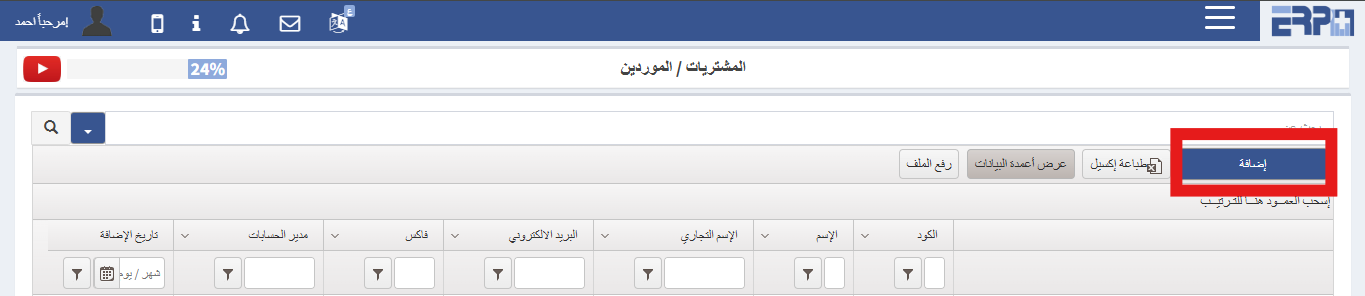
How to add a new Supplier?
From the Purchasing & Suppliers Module,Go to SubModule “Suppliers” click on AddComplete the required details and Save
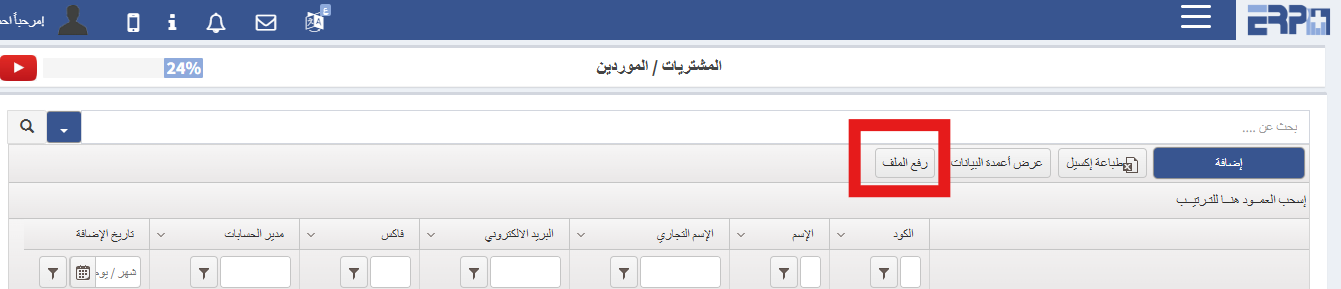
Is it possible to bulk upload multiple suppliers into the system?
From the Purchasing & Suppliers Module ,Go to SubModule “Suppliers ”Click “Upload Template File”Select "Download Template" Complete the required details and “Sa... Read more
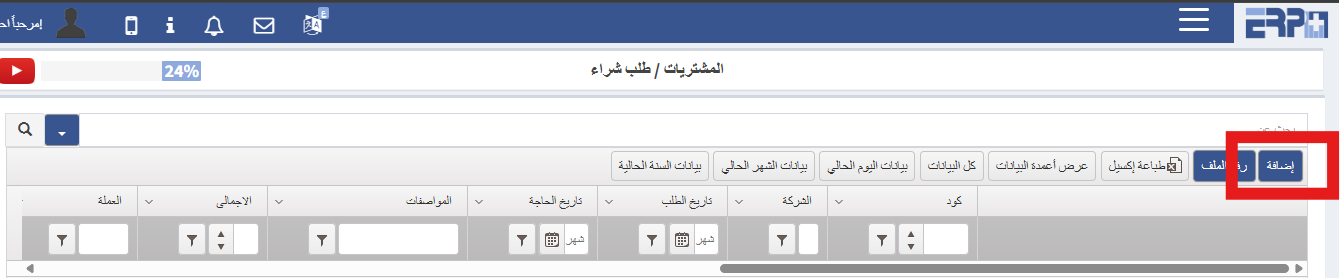
What is the procedure for creating a new purchase order?
From the Purchasing & Suppliers Module ,Go to SubModule “Purchase Request”Click Add Complete the required details and “Save”
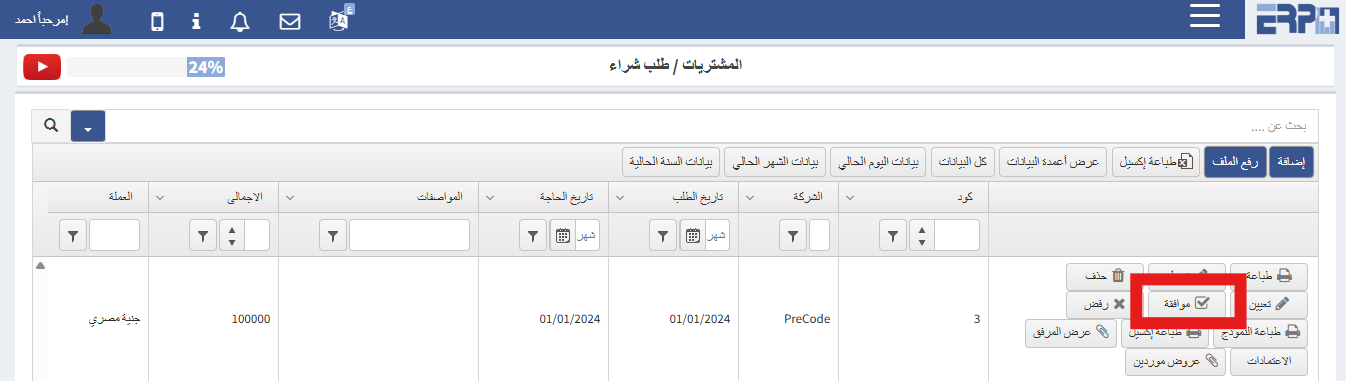
How can a purchase request be approved to initiate the RFQ process?
From thePurchasing & Suppliers Module ,Go to SubModule “Purchase Request ”Search for the relevant purchase requestClick “Aprrove”
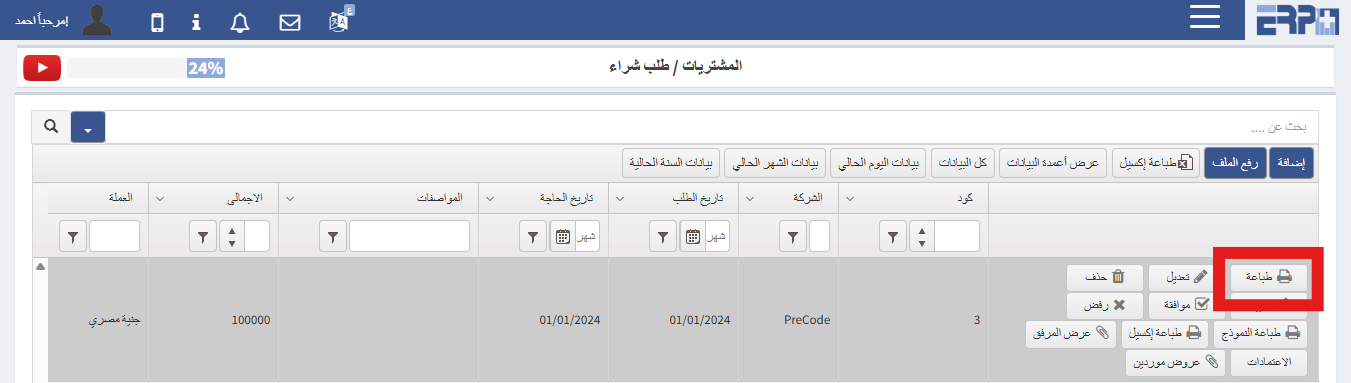
What are the Procedures for printing a purchase order?
From thePurchasing & Suppliers Module ,Go to SubModule “Purchase Request ”Search for the relevant purchase requestClick “Print"
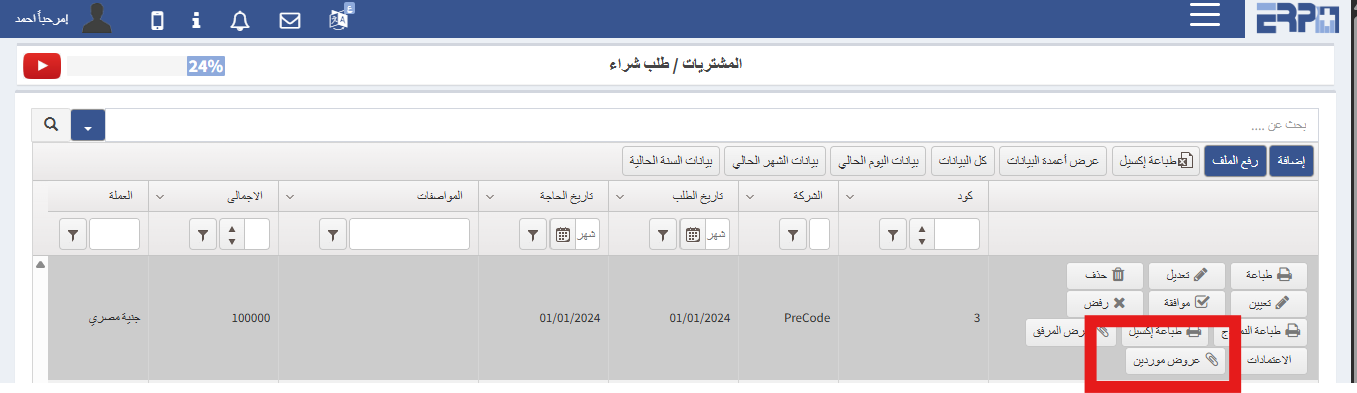
What is the procedure for integrating a Purchase Order with supplier quotations?
From thePurchasing & Suppliers Module ,Go to SubModule “Purchase Request ”Search for the relevant purchase requestNavigate to Supplier Quotations to link the... Read more
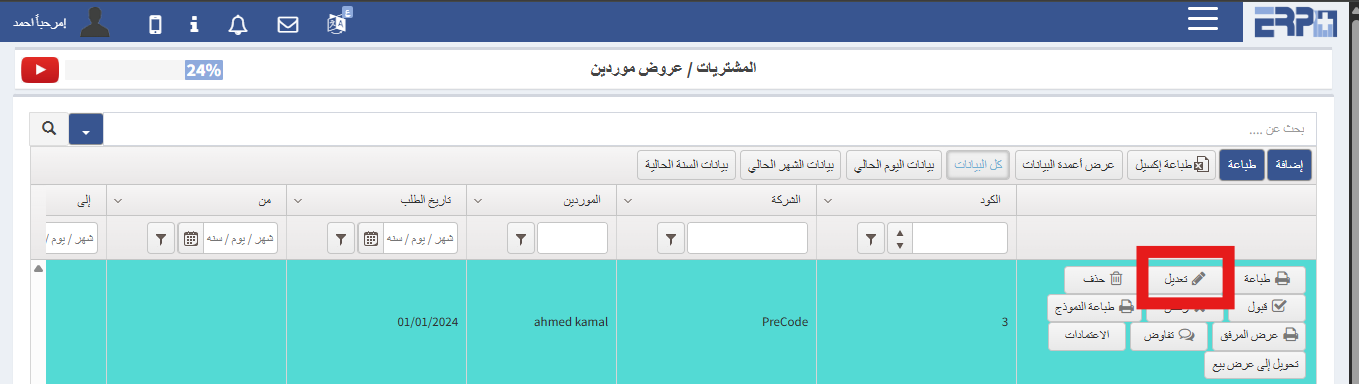
What is the procedure for modifying a quotation?
From thePurchasing & Suppliers Module ,Go to SubModule “Supplier Quotations ”Search for the relevant quotationCancel approvalMake the necessary modifications
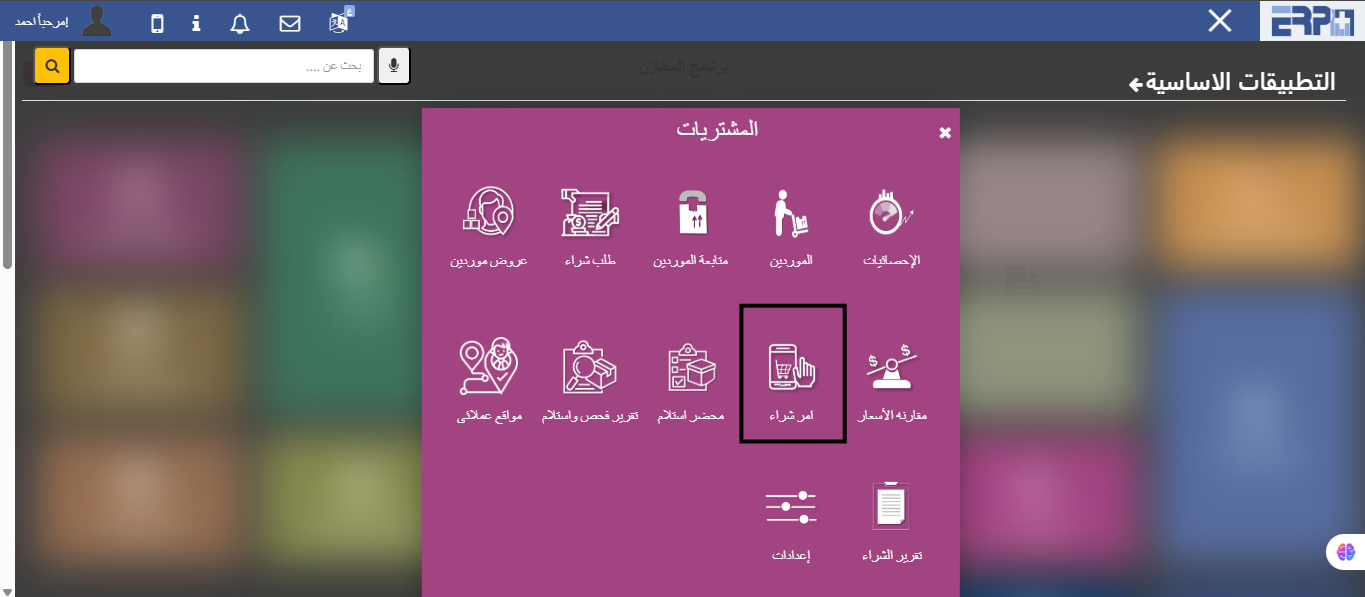
How is the purchase order linked to suppliers' quotations?
From the Purchases module, then fill in the Purchase Order module, click on the Add button, register the supplier, and the required price offer is chosen, and h... Read more
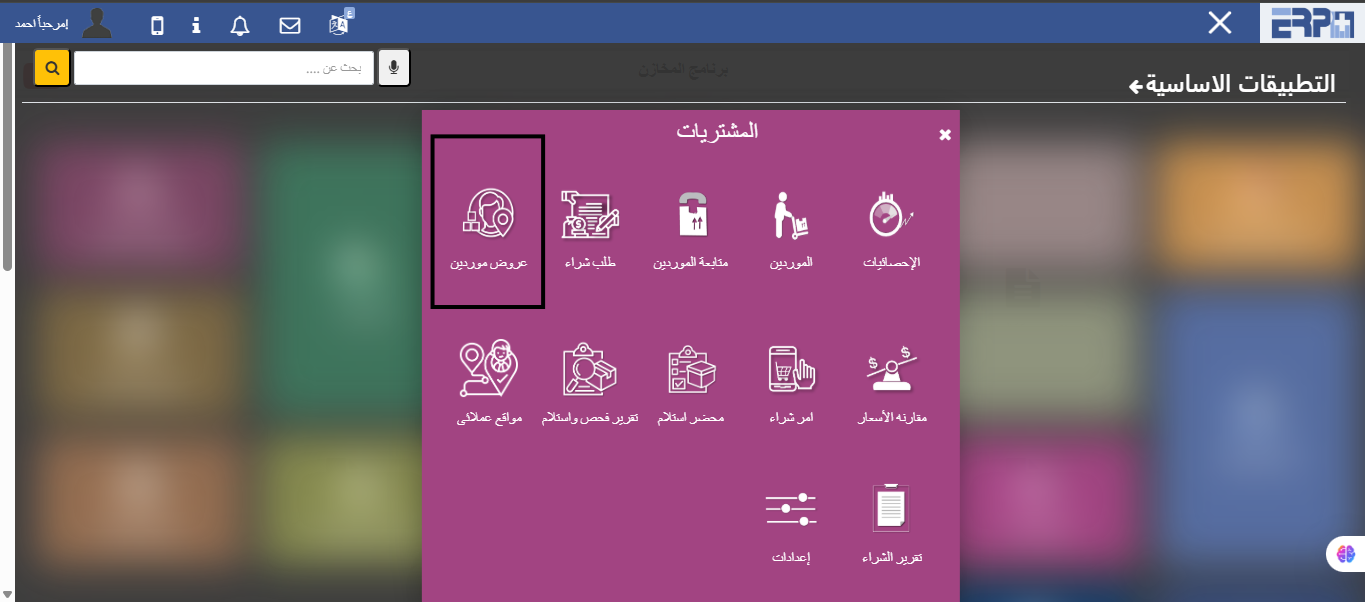
How are price offers modified?
From the Purchases module, then pouring the Suppliers' Offers module, we search for the price offer, then we cancel the approval, and the edit button appears wi... Read more
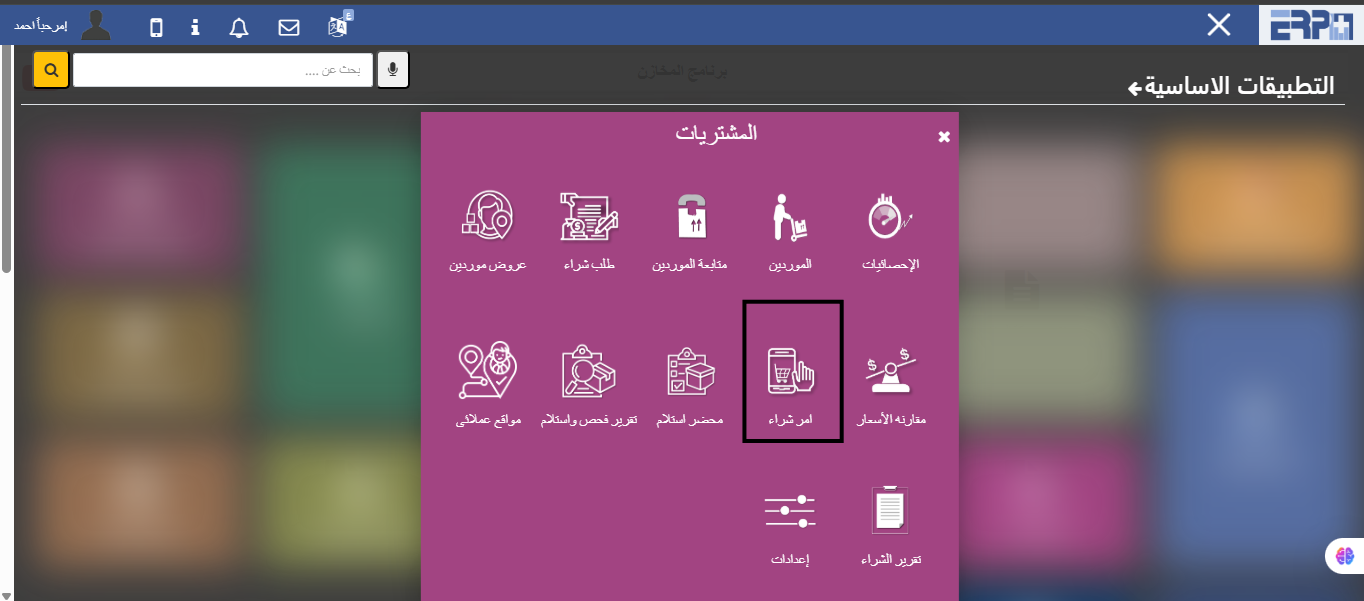
How to create a new purchase order?
From the Purchases module, then fill in the Purchase Order module, then click on Add
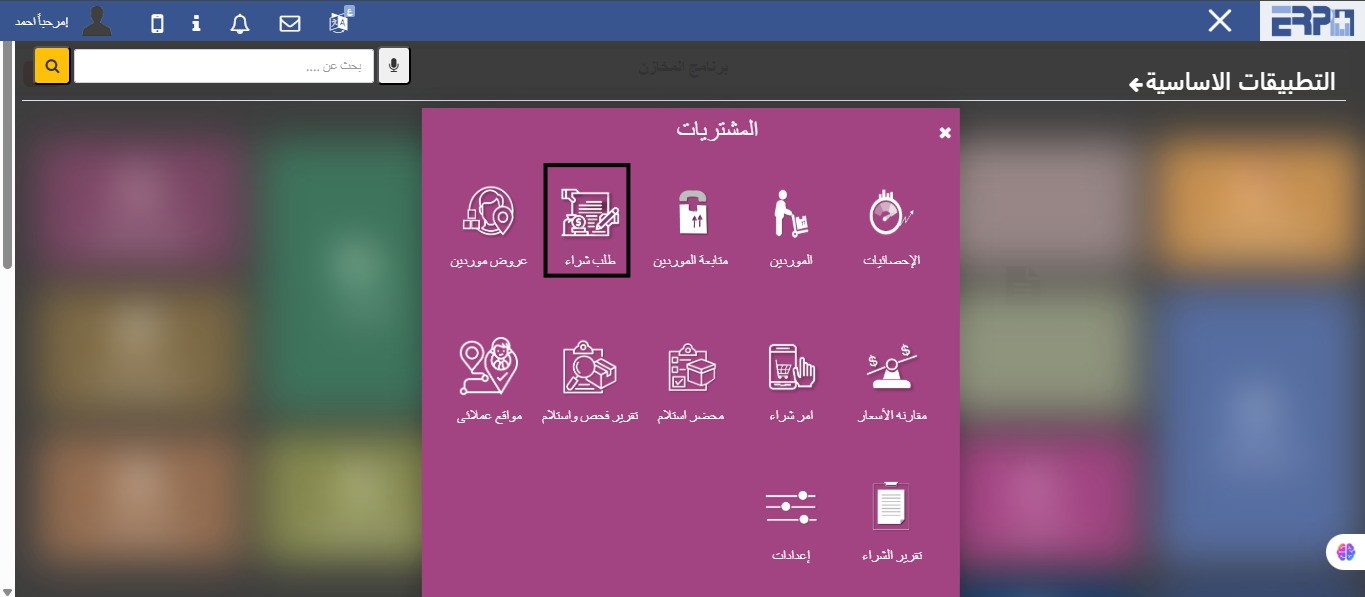
How is the connection between the purchase order and the price offer and thus the purchase order?
From the Purchases module, then fill in the Purchase Order module and click on the Add button and convert it to display a supplier, then create a purchase order... Read more
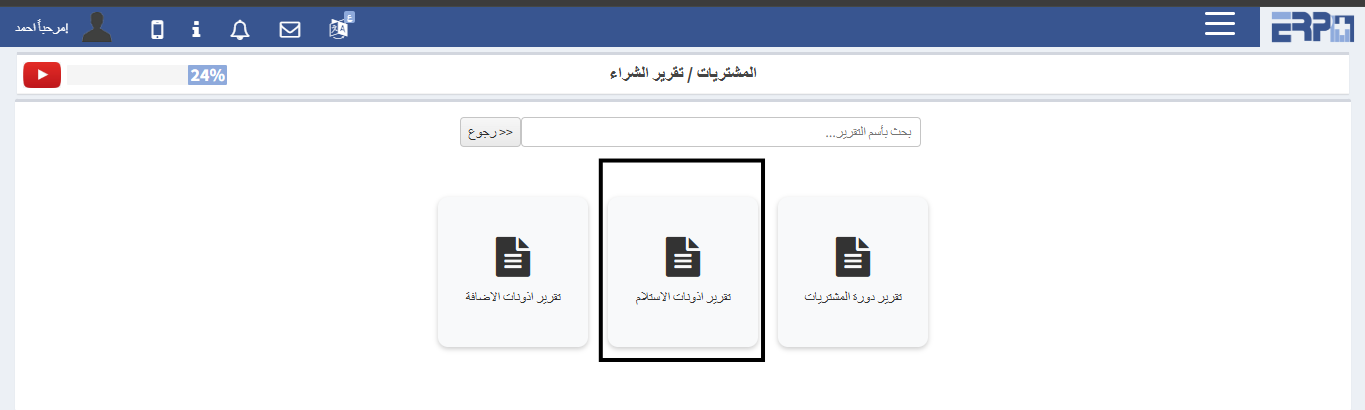
How to extract a report of purchase orders and quantities already received?
From the Purchases module, then fill in the Purchase Reports module and click on the Receipt Permissions Report
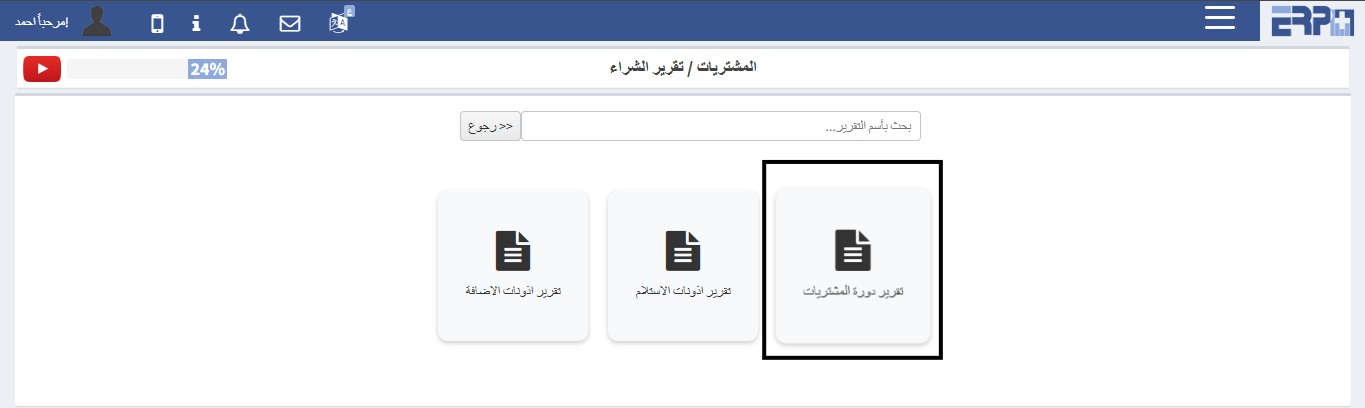
How to extract a report on purchase orders and their status?
From the Purchases module, then click on the Purchase Reports module, click on the Purchases Cycle Report
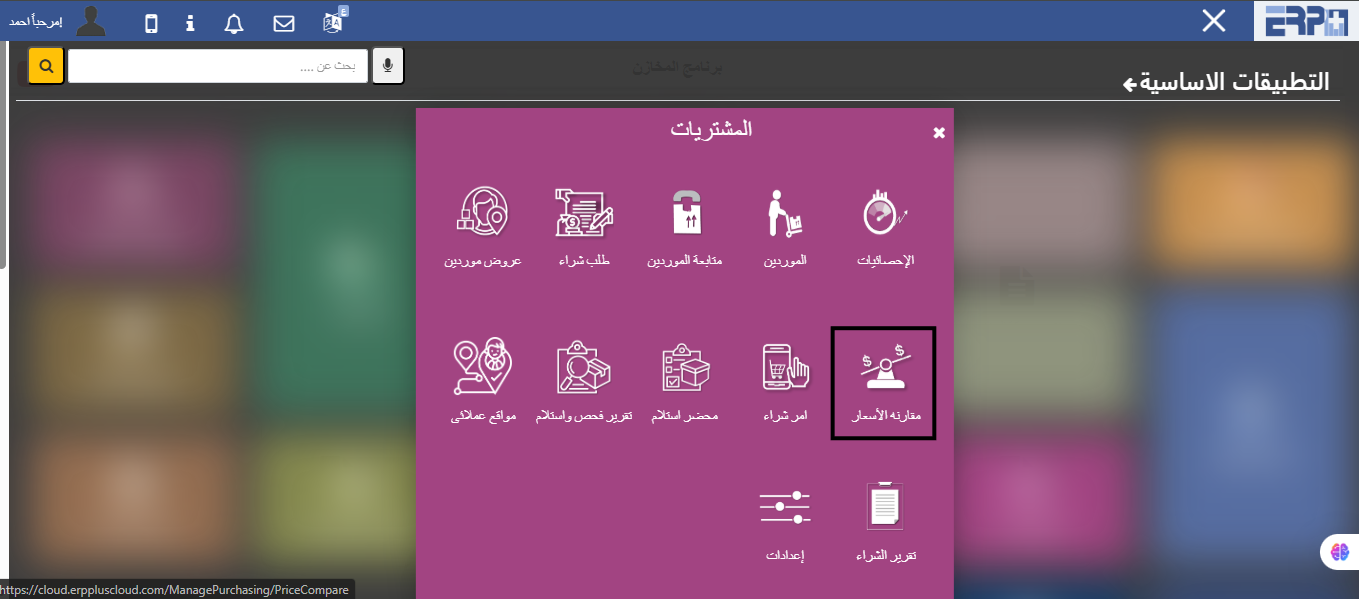
How to extract a report with price offers and compare them?
From the purchasing module, then fill in the price comparison module, and the period is determined, then a comparison is made between the orders in the specifie... Read more

How to register a receipt from a purchase order?
From the warehouses module, then fill in the operations module, a receipt order is selected, then we click on Add and choose the purchase order

Is more than one receipt authorization registered on the same purchase order?
Yes, in the event that the full quantity is not received from the warehouse module, then the operations module is filled in, a receipt permit is selected, then... Read more
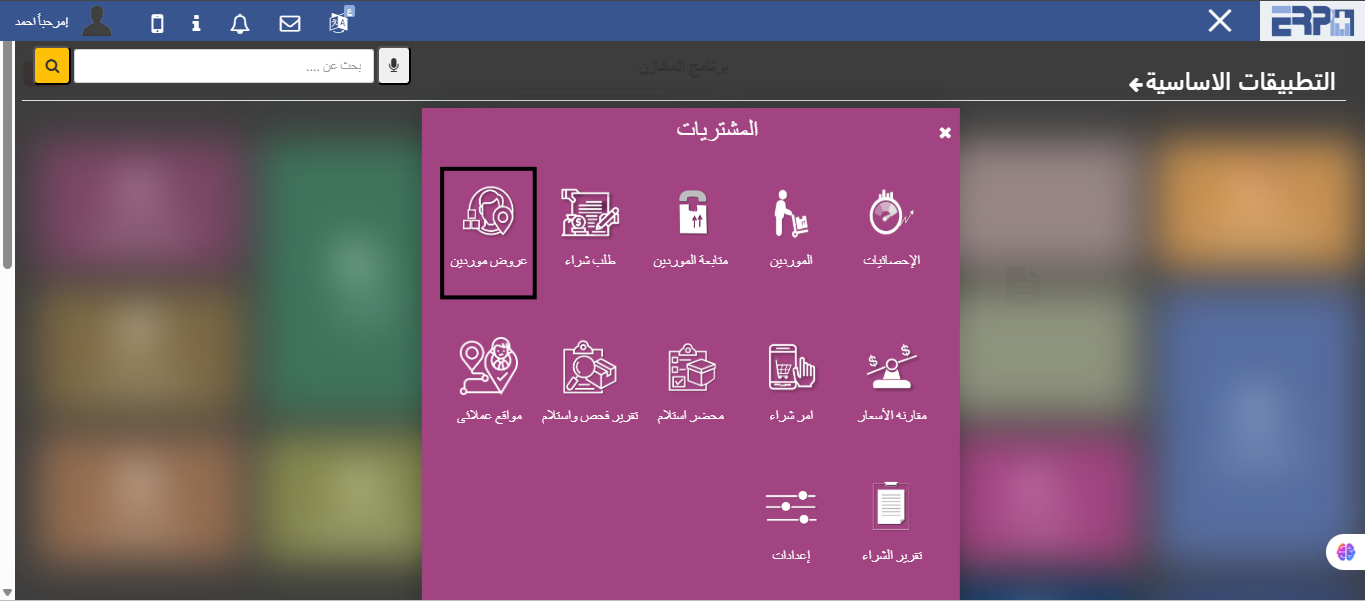
How are suppliers' prices compared for the same purchase order?
By selecting more than one supplier for the same purchase order in the suppliers’ offers screen
Need more help?
Our support team is always ready to assist you.