Latest FAQ
185 results foundHow can courses and training courses be added to the system?
Through the training module, the training is done and its data is added
How can an employee request a specific course?
Through the training module, the employee is added, and then through the training request box, the employee submits it
How can a manager suggest a specific course for an employee?
By filling in the training module through the training request box
Is there a report to display training plans?
You can find the training module by selecting the training plan report box, choosing the period and displaying it
Can an employee evaluate the course he has completed?
By filling in the training module through the training evaluation box
Can an employee evaluate the course he has completed?
By filling in the training module through the training evaluation box
How can salary elements be assigned to one or more employees?
Access the Payroll Module, then the Salary Data sub-module, proceed to Data Setup, and click on Salary Items Settings. The company’s salary items have been uplo... Read more
Is it possible to create a package of salary elements?
Access the Payroll Module, then the Salary initial Data sub-module, open Salary elemnts Settings, and select whether the item is an Earning or Deduction, and wh... Read more
Is it possible to upload payroll data in bulk using an external Excel sheet?
Through the Salary Initial Data sub-module, download the sheet again and re-upload it.
How can employee salaries be closed and approved for a specific period?
Through the Salary Submission sub-module, select the employees, choose the closing period, and then approve the payroll.
Is it possible to cancel payroll approval before it is disbursed from accounts?
Through the Salary Submission sub-module, go to Cancel Salary Submission select the Submission period, and cancel it.
Is there a feature to send salary notifications to employees before they receive their payment?
After Submission the payroll, select Mobile Notifications.
Can an employee or their manager **submit a salary loans request** through the system?
Through the Loans sub-module, click the Add button, then select the employee and enter the loan amount and number of installments.
How can loan installments be scheduled and payment dates tracked?
When submitting a loan, you can select the number of installment months. The system will automatically divide the loan amount over the selected months and deduc... Read more
How can **bouns and penalty policies** be created and configured?
Through the bouns and Penalties sub-module, create a policy and specify whether it is based on Days, a Fixed Value, or Hours.
How can a **bouns or penalty** be assigned to an employee?
Through the bouns and Penalties sub-module, click the bouns and Penalties button, select the employee, and choose the type of policy.
How can detailed payroll reports be generated and printed, and is it possible to export them to Excel?
hrough the Reports sub-module, select the Net Salary Report, view it, and export to exel
How can an employee view their current and previous month’s salary?
Through the Reports sub-module, select the Net Salary Report, display it, and export to exel
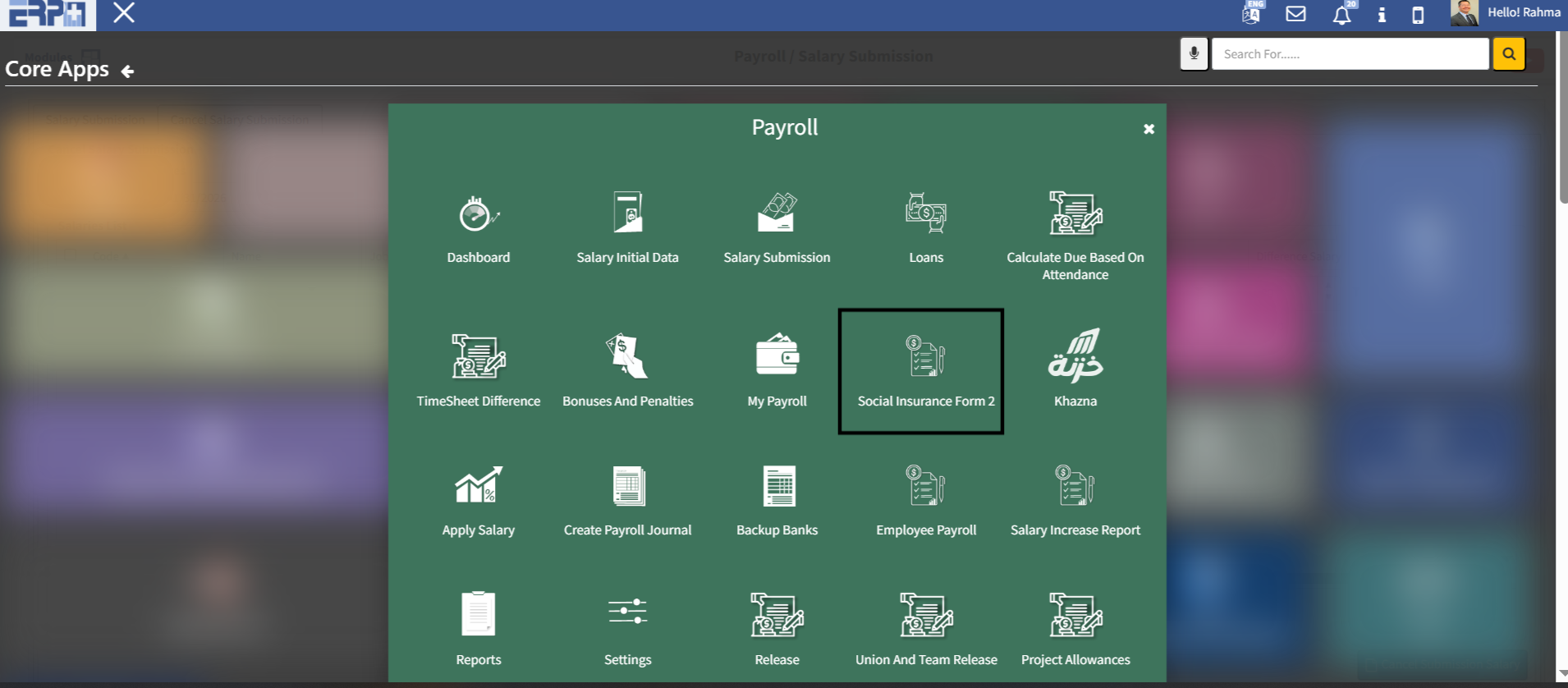
Is there a Social Insurance Form 2 available for use?
This can be done through the Employees Module by configuring it in Settings, then through the Social Insurance Form 3 sub-module, it will be applied to all empl... Read more
How can bank and currency information be set up and managed?
hrough the Reports sub-module, select the Net Salary Report, view it, and export to exel
How can a study or investigation be conducted on a specific decision?
Through the personnel affairs screen and the survey screen
How can I vote on a specific decision?
By casting your poll module through the poll poll box
Is there an internal messaging system for the system?
There is a module for electronic correspondence through the template
How can I control meeting rooms and organize appointments?
You can enter the meeting agenda module through the Request a Booking box
Is there a possibility to add monthly or annual goals for employees?
By creating a model for the goals, the employee chooses the type of goal
How can I add internal request forms for employees?
Through the personnel affairs module settings
How can I add annual evaluation periods?
Through the settings of the personnel affairs module
How can annual evaluations and employee evaluations be conducted?
Through the employee affairs module and the evaluation module, we enter all the evaluations, download them to the jobs, and then evaluate the employees
Need more help?
Our support team is always ready to assist you.