Latest FAQ
6 results found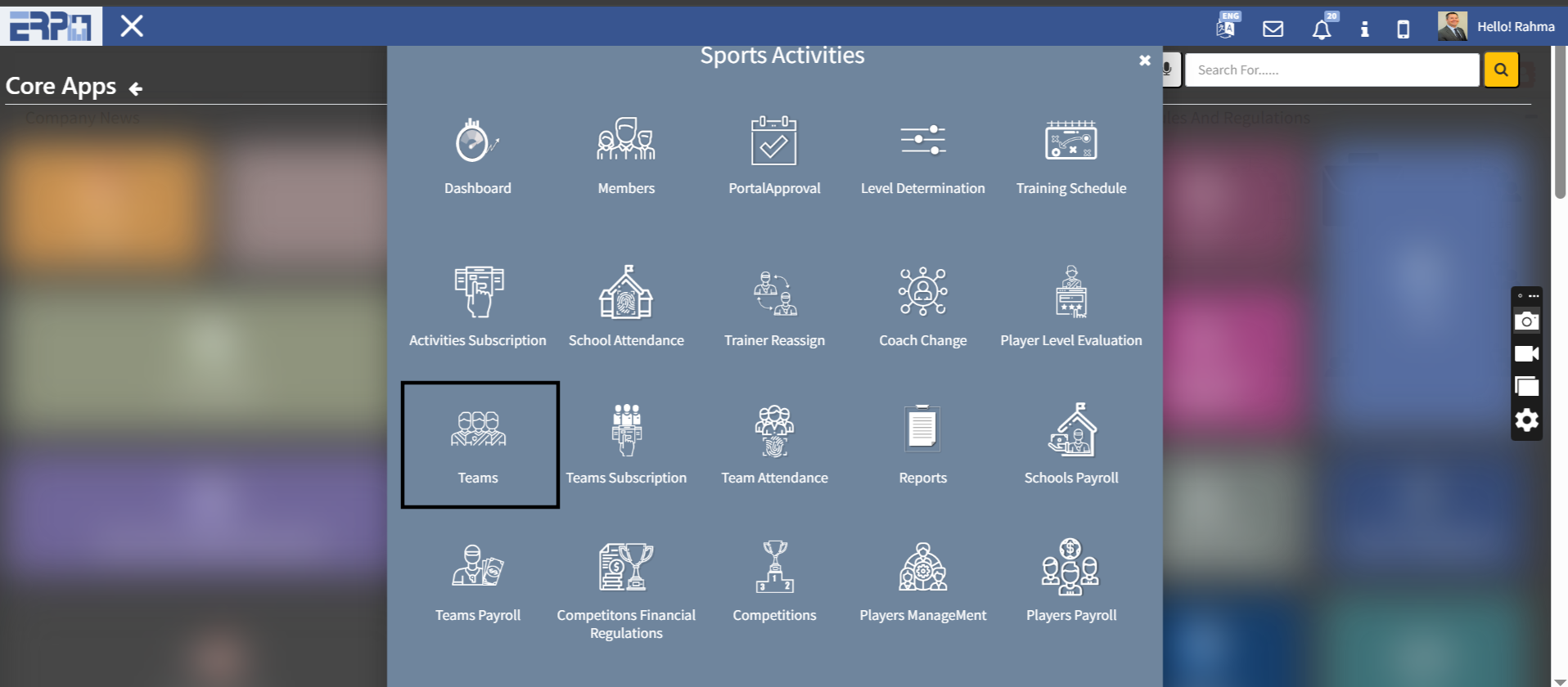
How to create teams in the Sports Activities module?
From Sports Activities module:Go to Sub Module “Teams” Press on AddComplete the required details and confirm the request
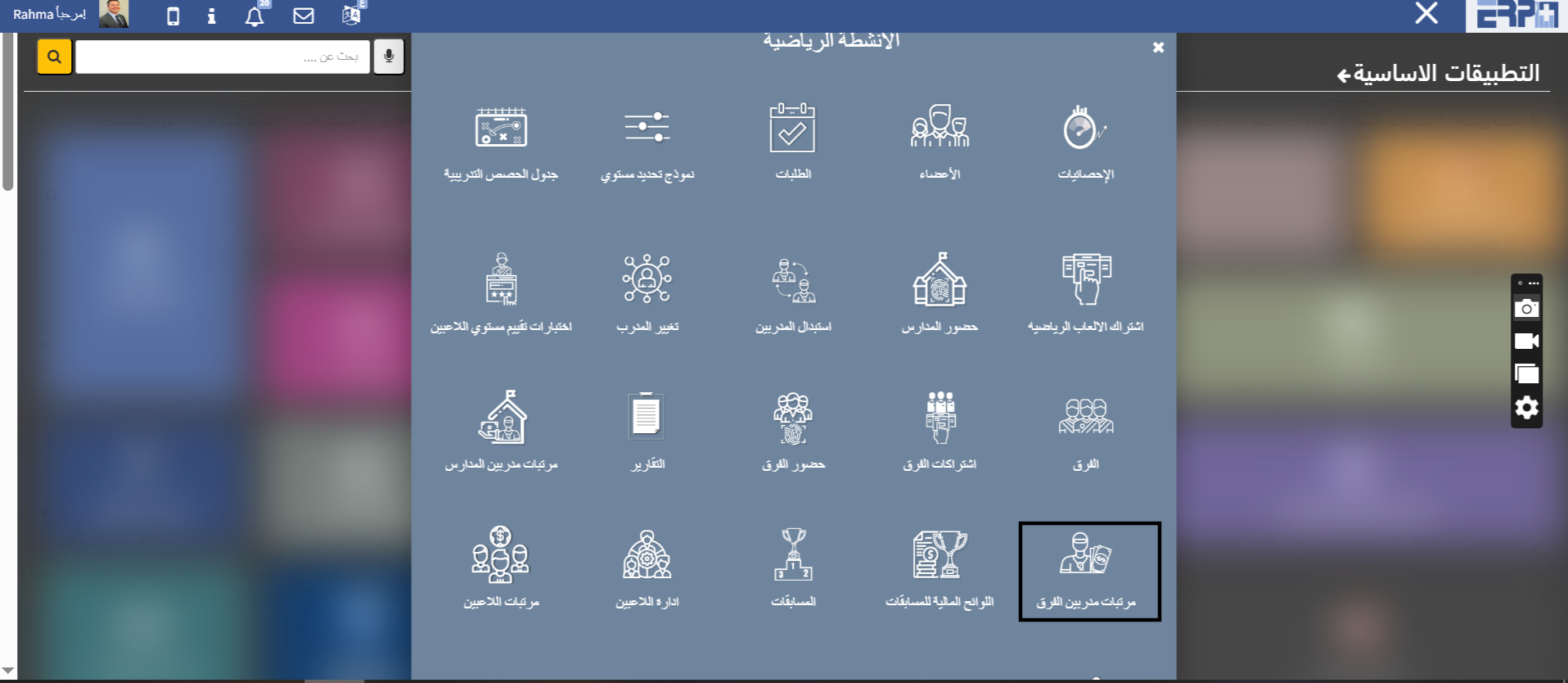
How can the salaries of the team coaches be displayed?
From the sports activities module:Go to Sub Module “Team Payroll”Complete the required details and press Show
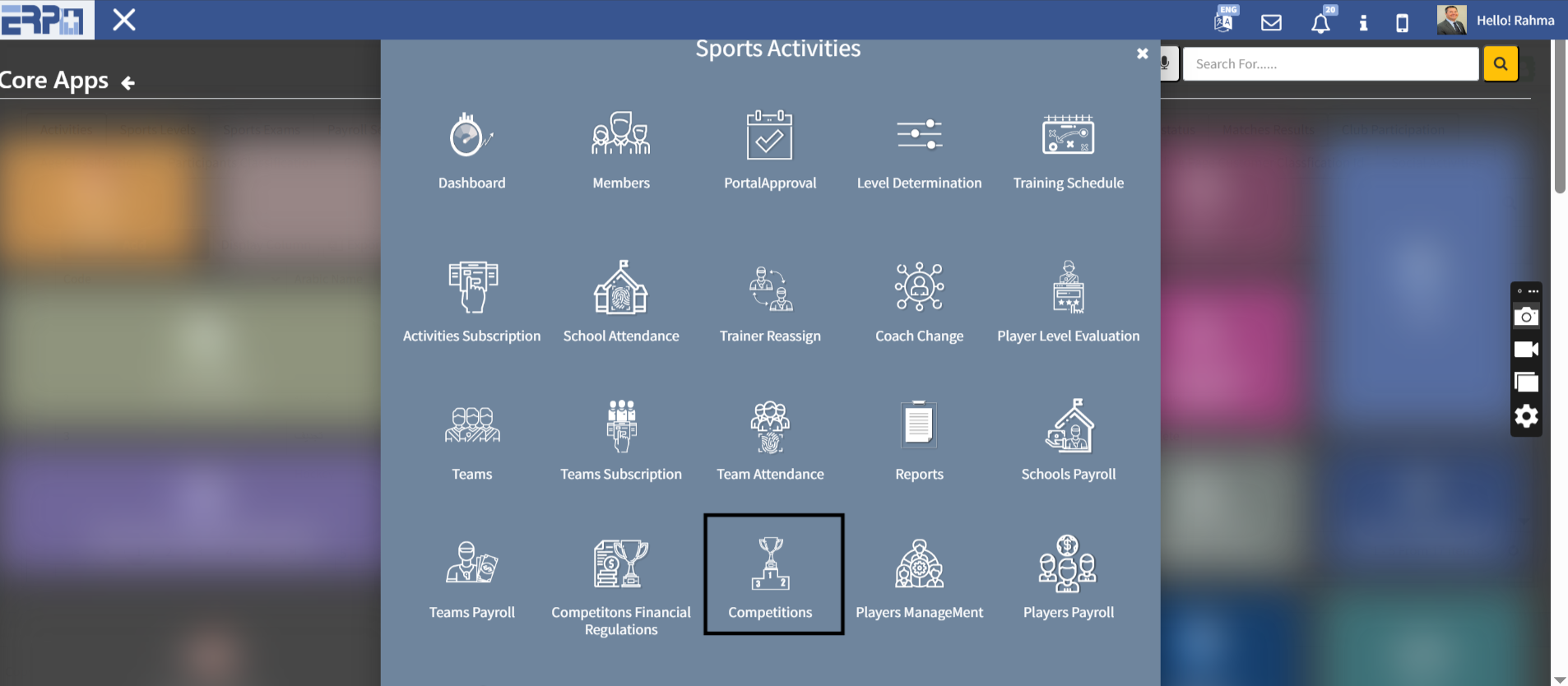
How can competitions be created in the Sports Activities module?
From the Sports Activities ModuleGo to the Sub Module "Competitions" Go to AddComplete the required details and confirm the request
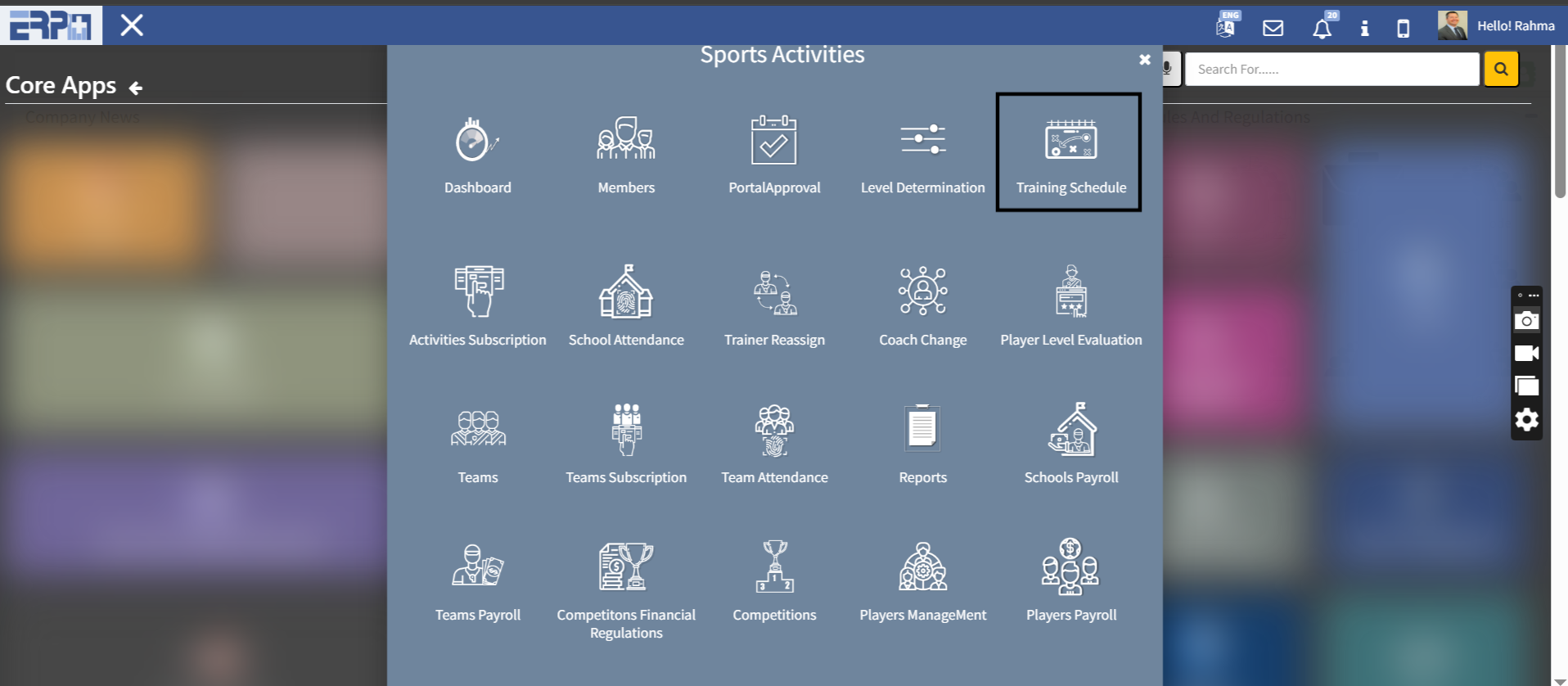
How to make a schedule for the training ?
From the Sports Activities module:Go to Sub Module “Training Schedule ” Go to Add Complete the required details and confirm the request
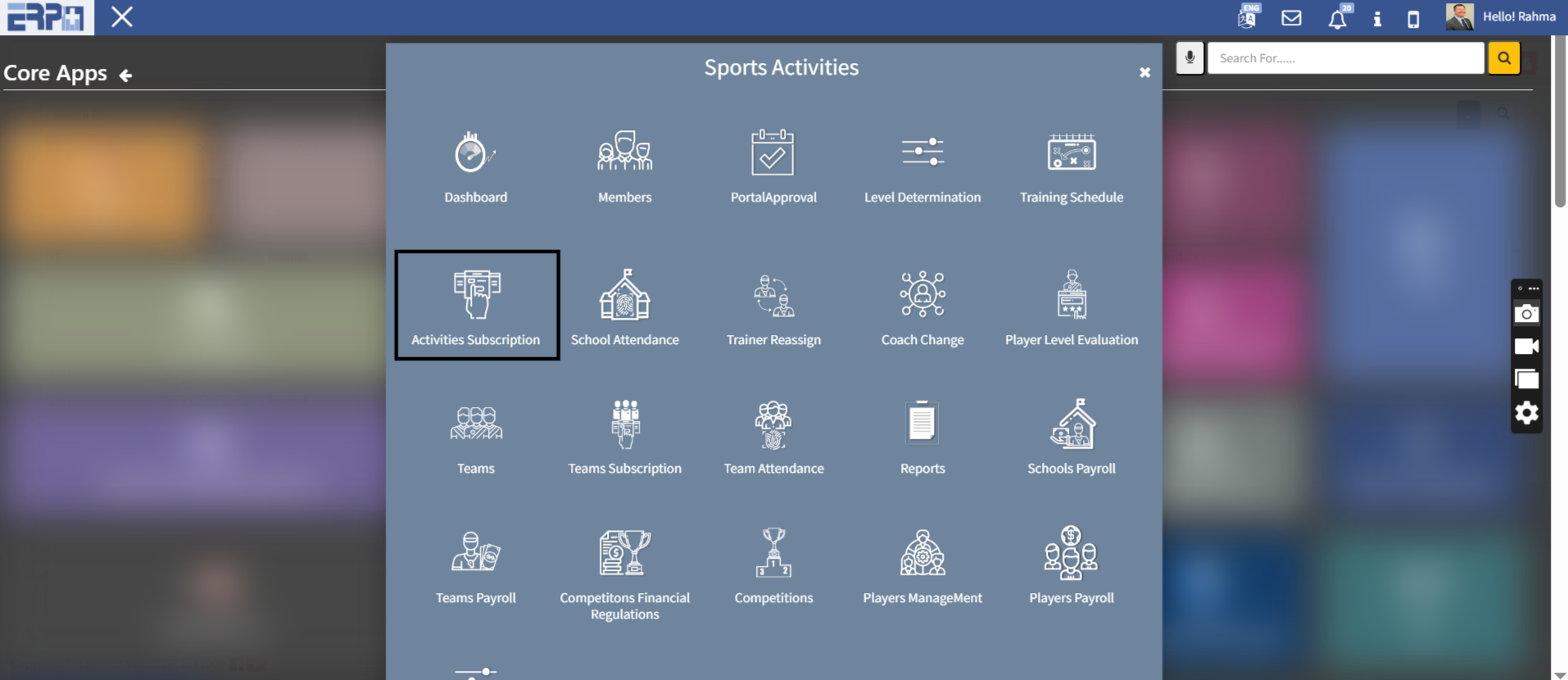
How to subscribe in sports activities?
From Sports Activities Module :Go to Sub Module “Activities Subscription”Go to Add Complete the required details and confirm the request
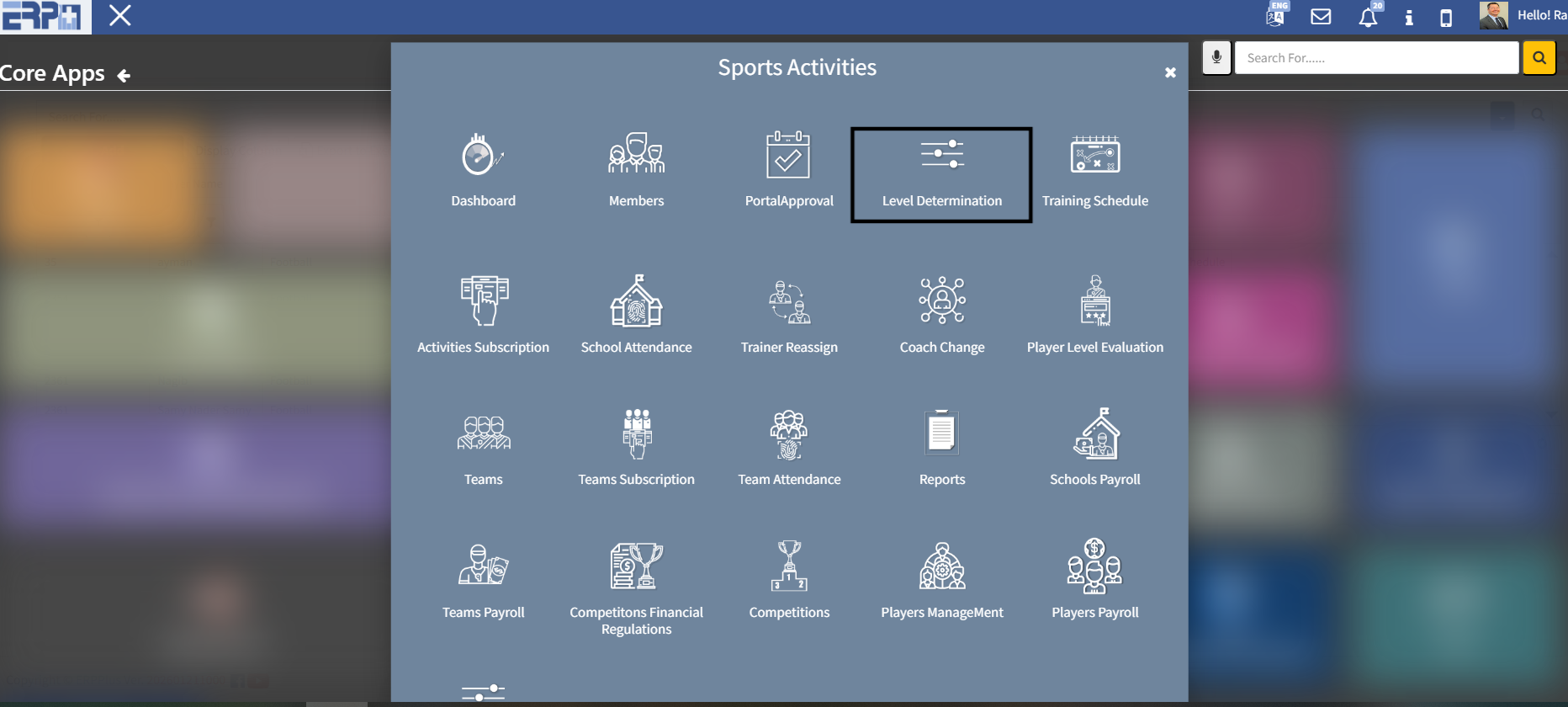
How to make level determination template ?
From the sports activities module:Go to the Sub Module “Level Determination”Go to Add Complete the required details and confirm the request
Need more help?
Our support team is always ready to assist you.