Latest FAQ
17 results found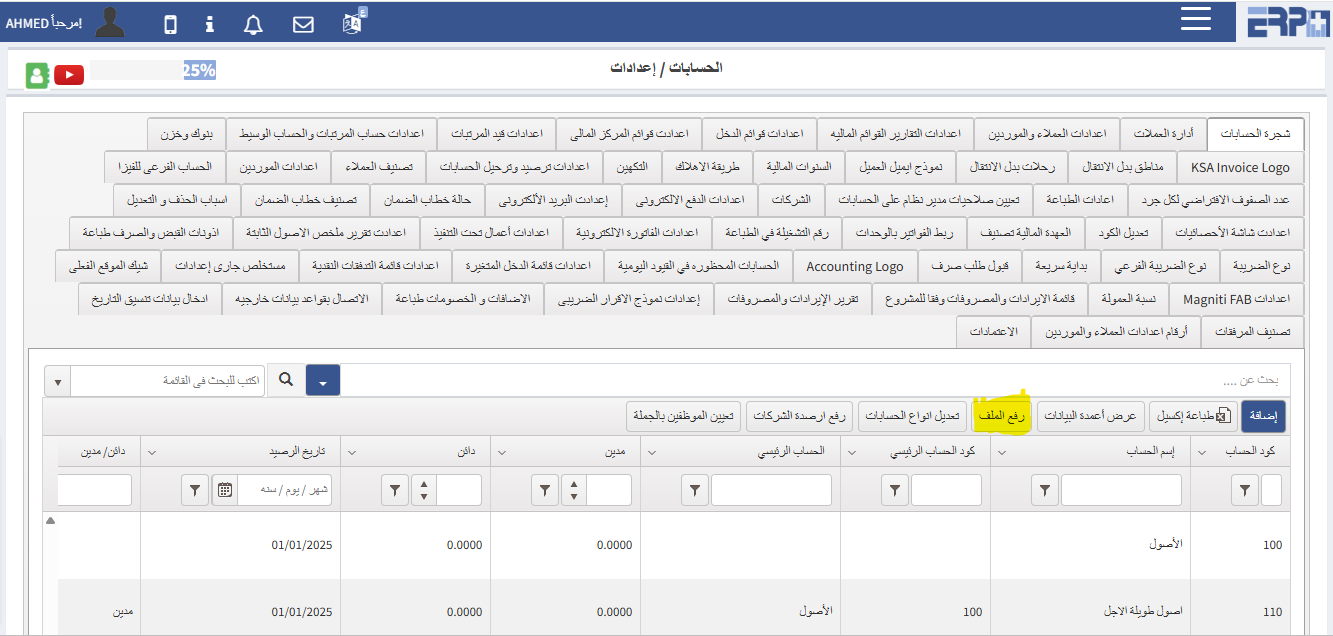
How can the chart of accounts be coded?
The chart of accounts can be added by using the Upload File button to download the Excel sheet, fill it out, and then upload it to the system
Is it possible to delete an account that has a “registered” transaction?
An account cannot be deleted unless all transactions made on it are deleted
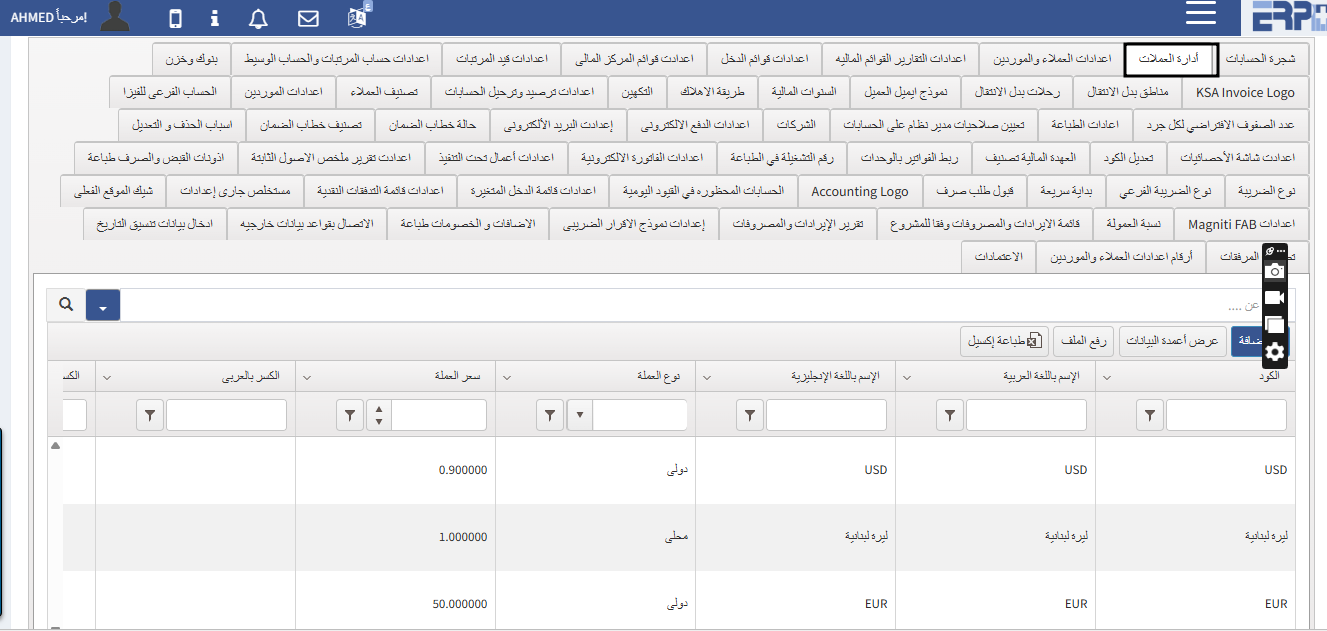
Is there a "currency management"?
Of course, in the account module settings, there is a button to manage currencies
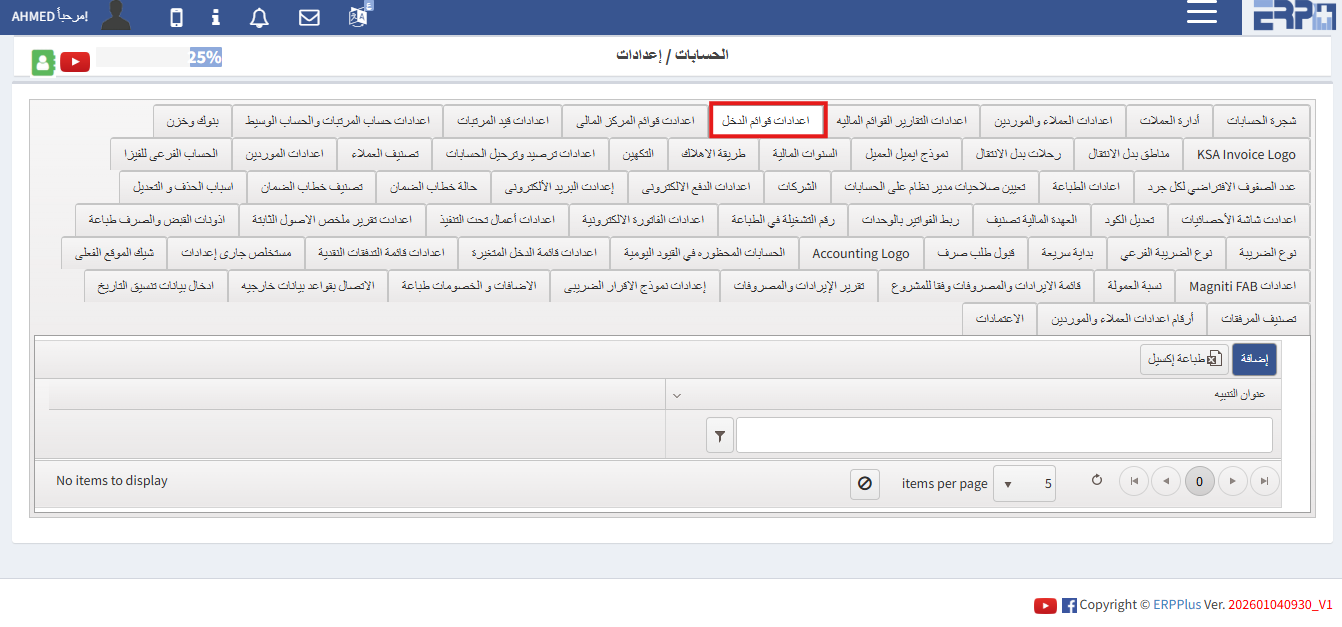
How are the income list settings adjusted?
In the accounts module settings, there is an income menu button through which the settings can be adjusted
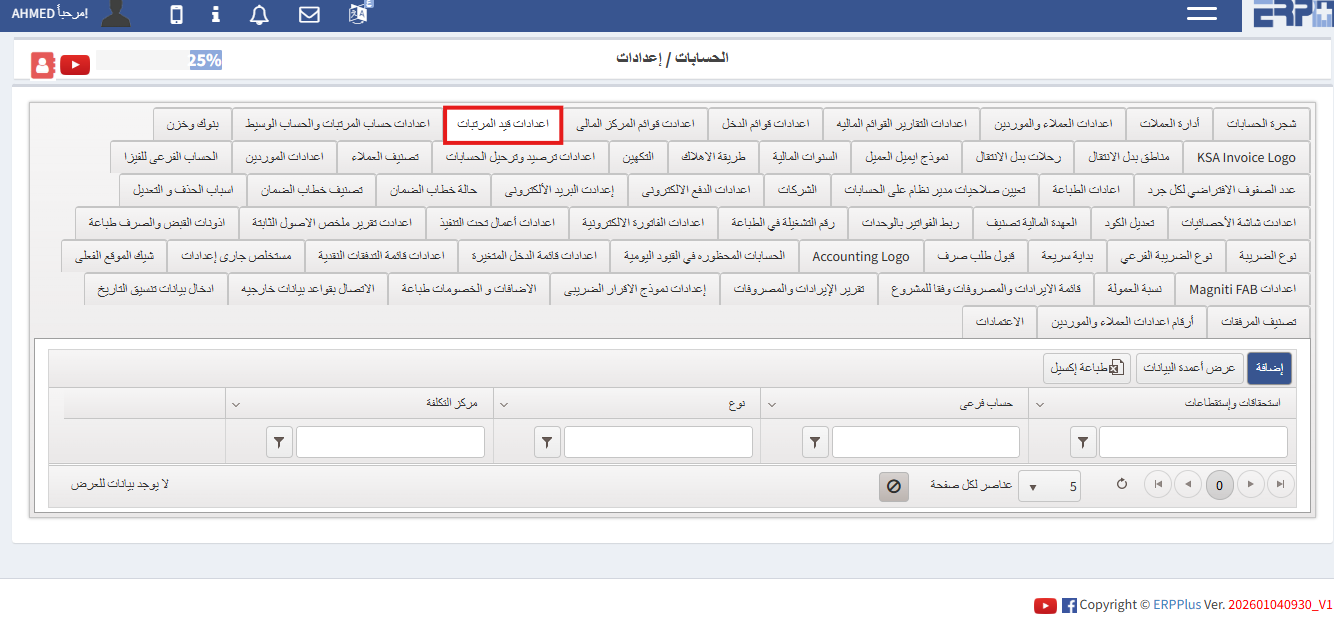
How are payroll settings adjusted?
In the Accounts Module settings there is a payroll entry button through which the settings can be adjusted
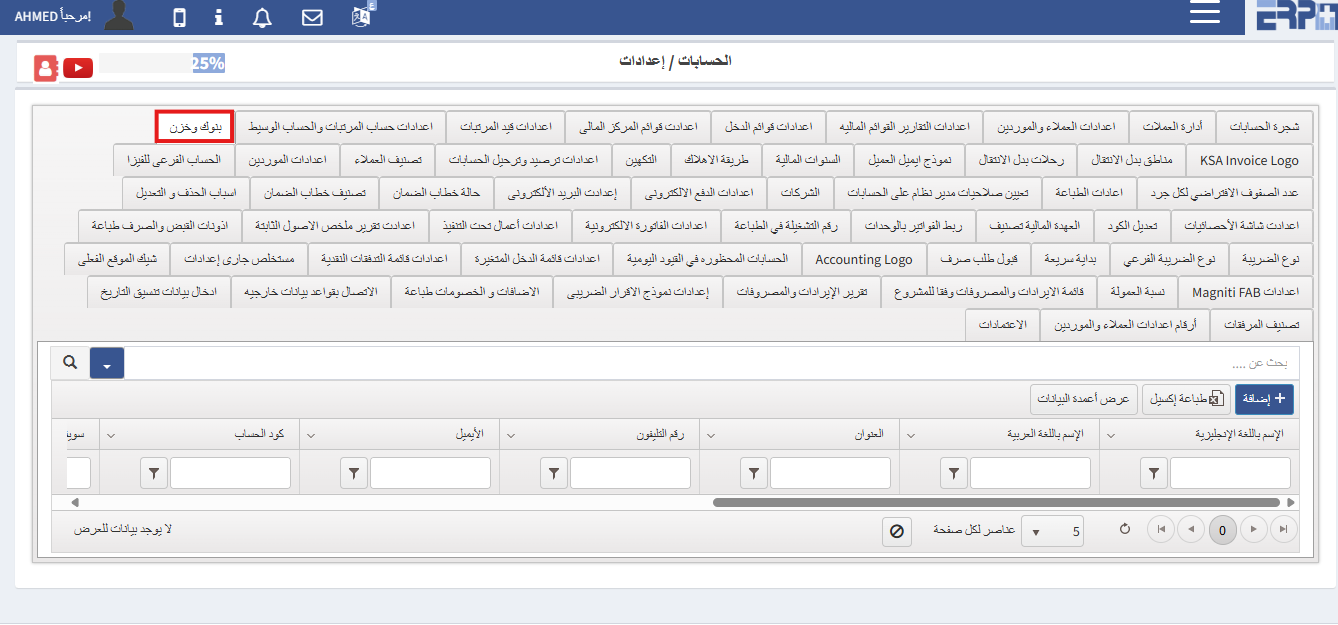
How are banks defined and linked to accounts and the employee responsible for them?
In the Accounts module settings there are Banks and Store buttons through which banks can be defined
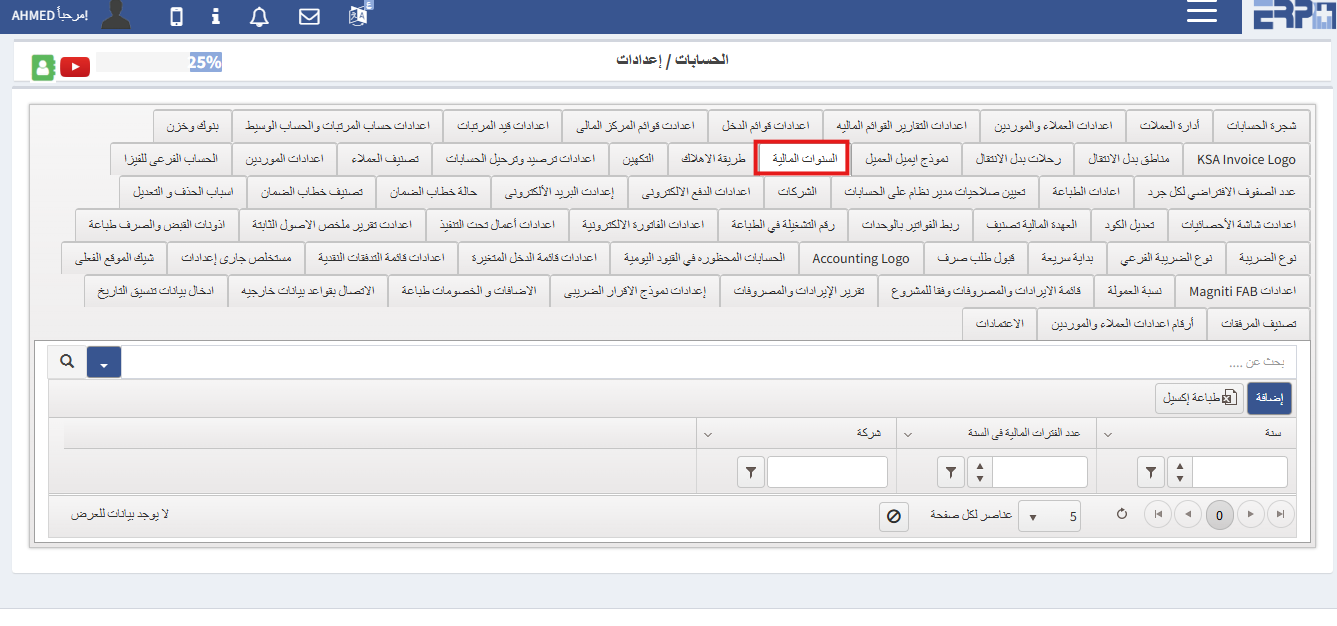
How are financial periods defined?
In the accounts module settings, there are buttons for financial years through which you can define
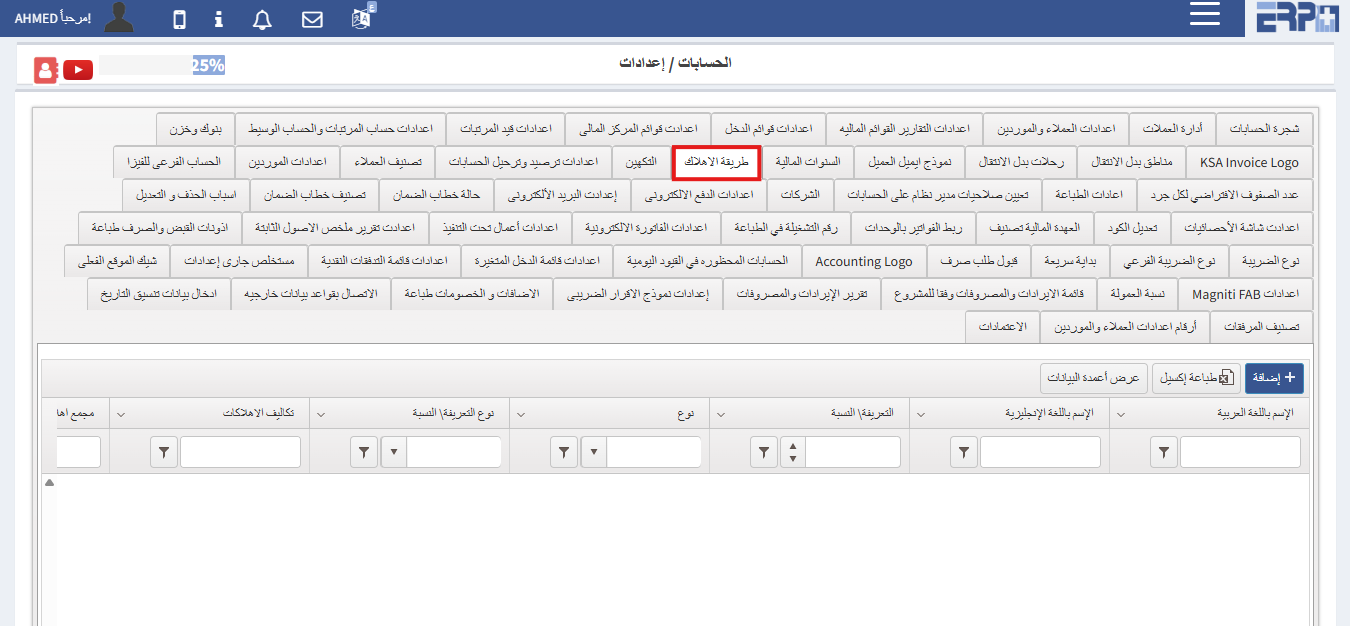
How are depreciation methods defined?
In the account module settings, there is a depreciation method button through which depreciation methods can be defined
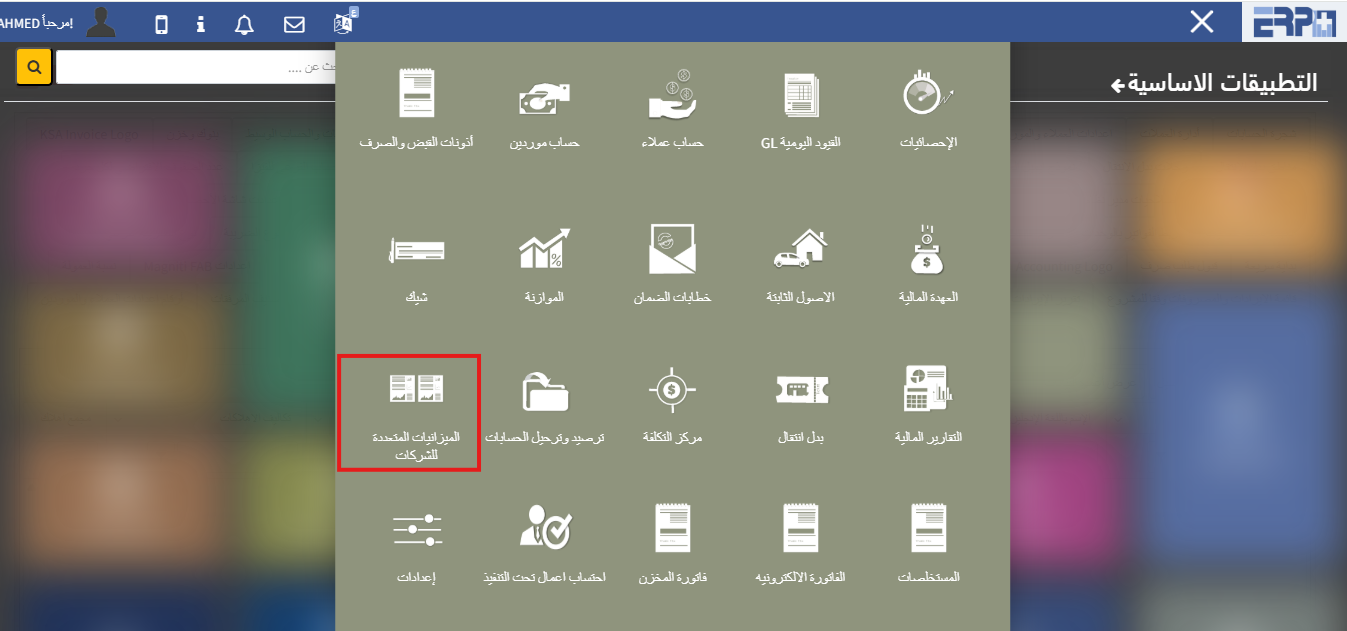
How to add a multiple budget for more than one company?
From the accounts module there is a button for the multiple budgets for companiesfrom which companies can be defined
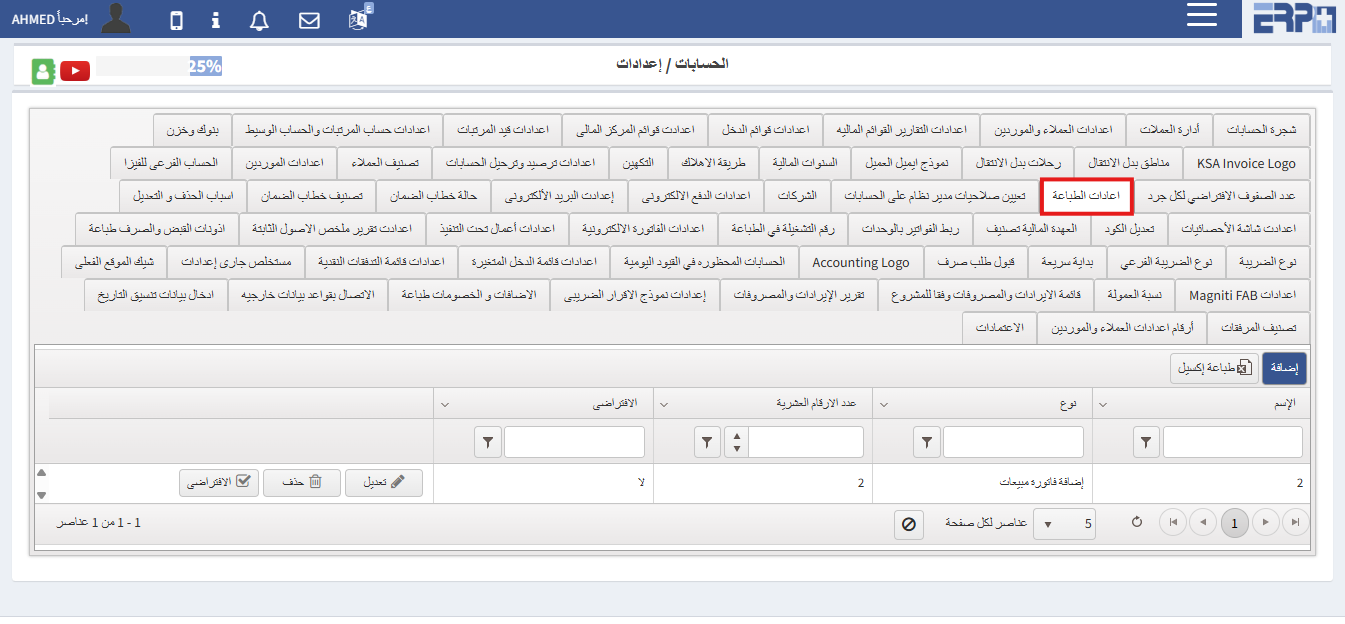
Is it possible to print invoices in a different format than the program?
From the Accounts module, then click on Settings. There is a Print Settings button
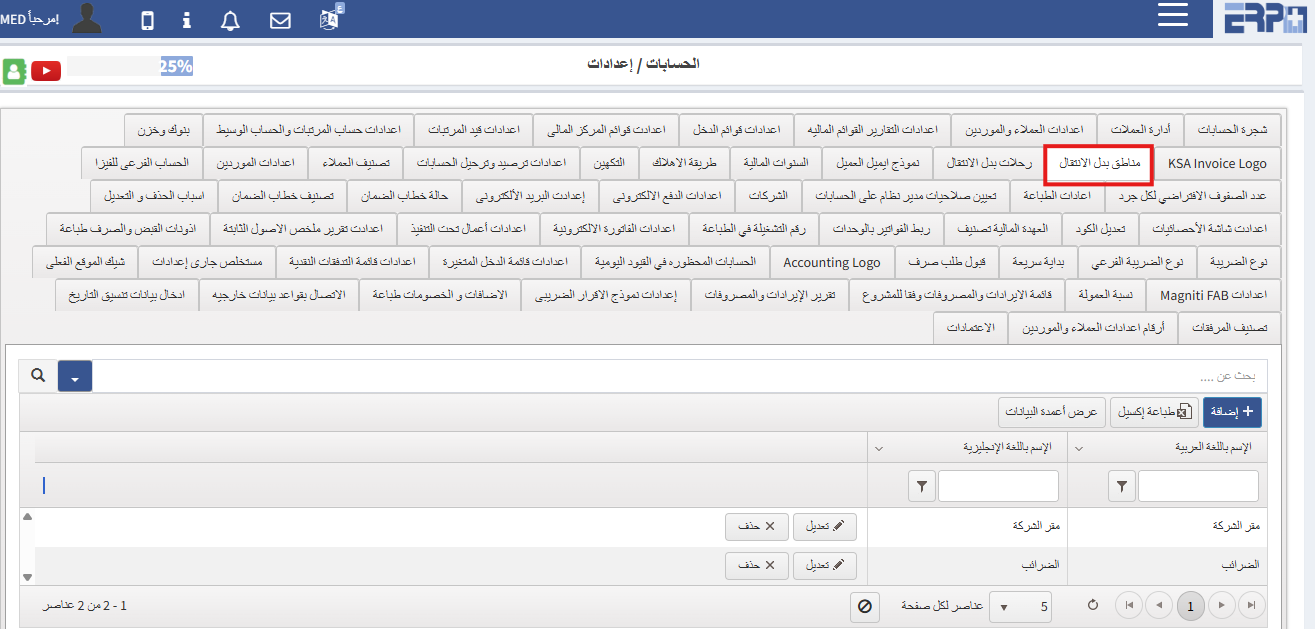
How can transfer locations be defined?
From the Accounts module, then click on Settings. There is a Regions button instead of Moving
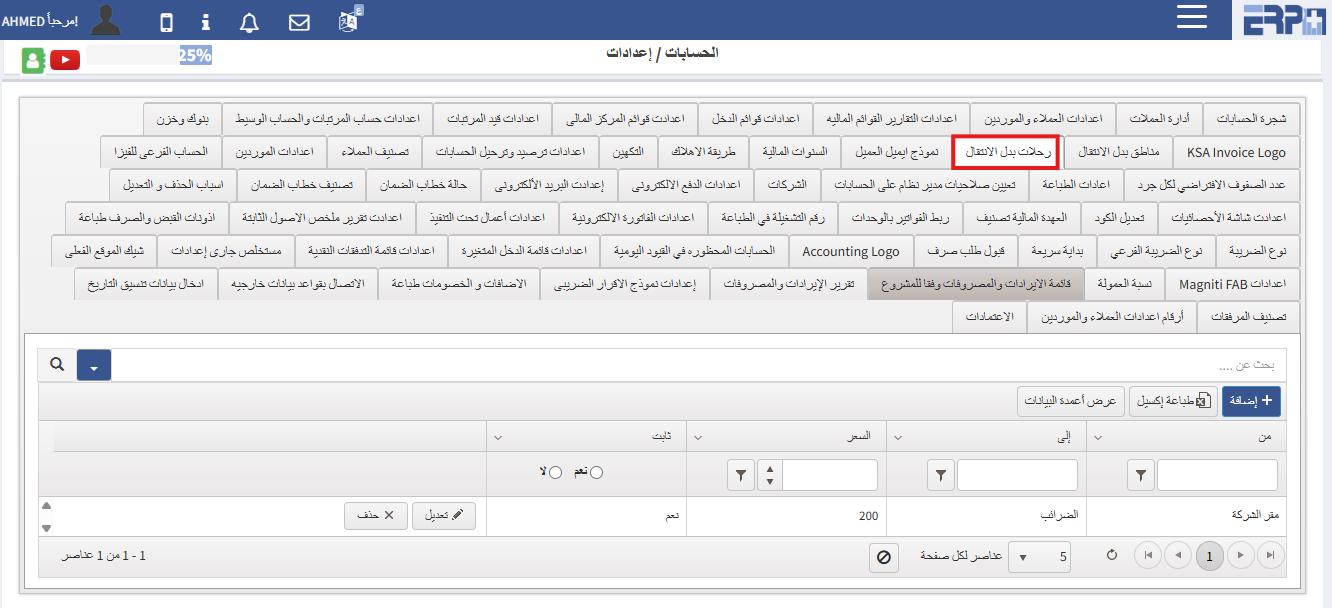
Can transportation allowances be determined?
From the Accounts module, then click on Settings. There is a Trips button instead of Transfer
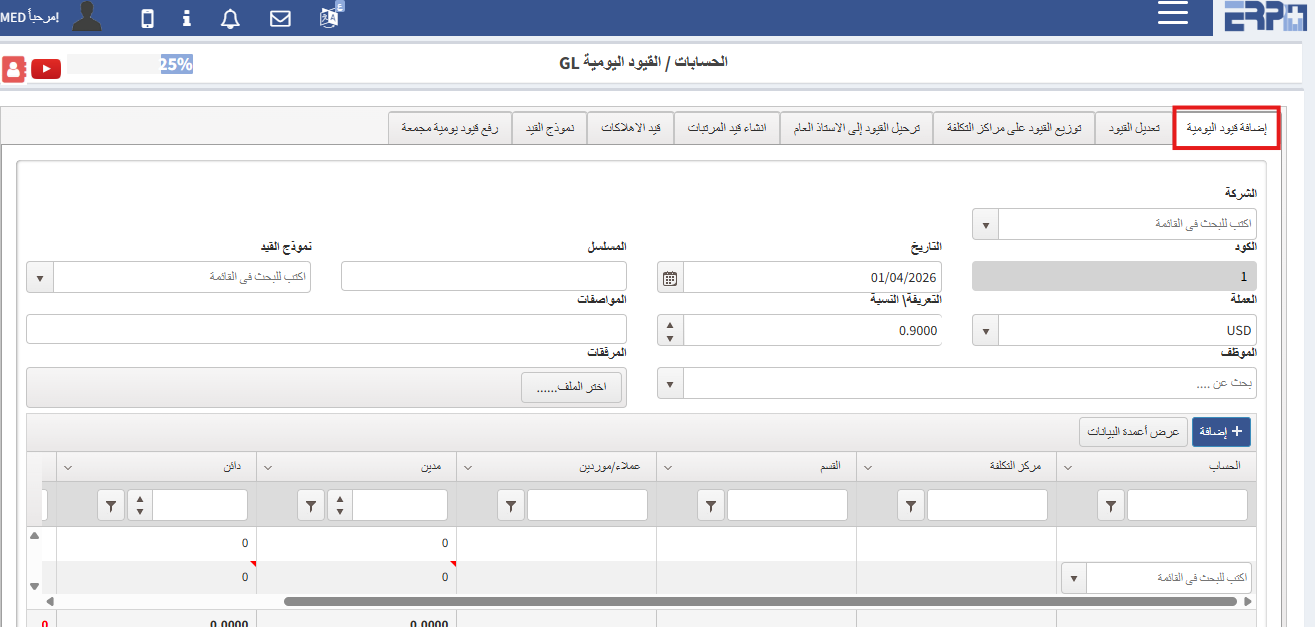
How can I add a journal entry?
From the Accounts module, then click on Daily Restrictions GL. There is a button to add daily restrictions
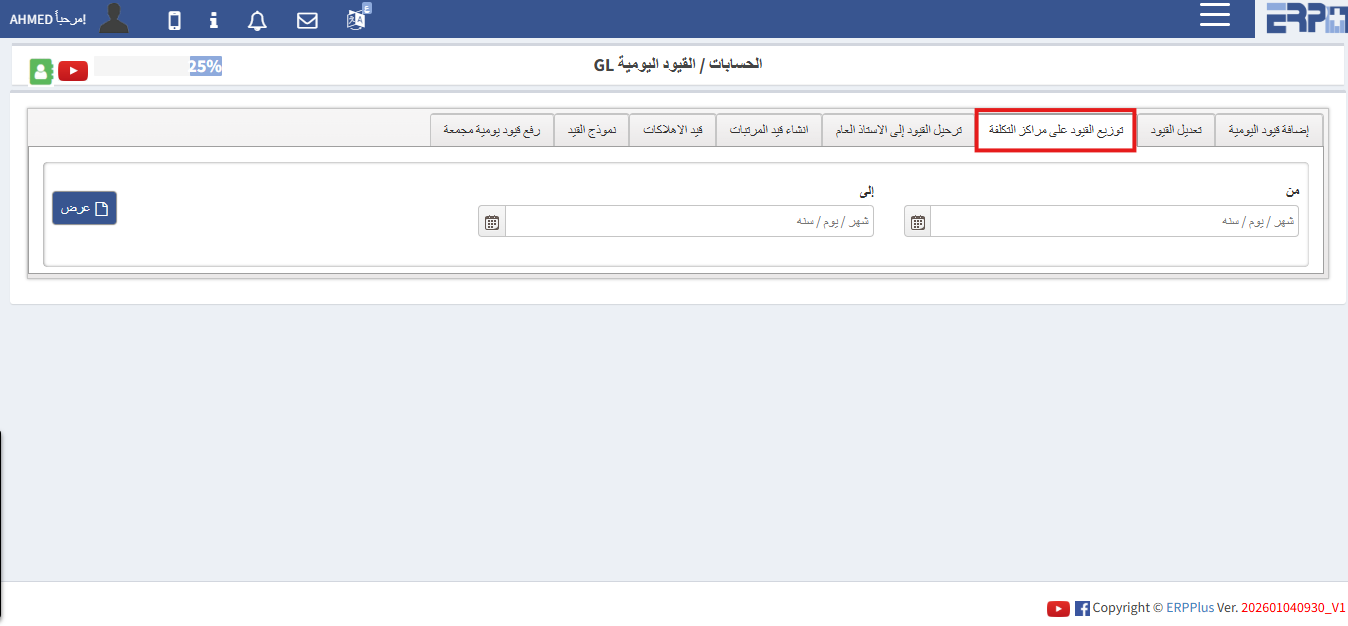
Is it possible to add cost centers to daily restrictions?
From the Accounts module, then we click on Daily Restrictions GL. There is a button for distributing restrictions to cost centers
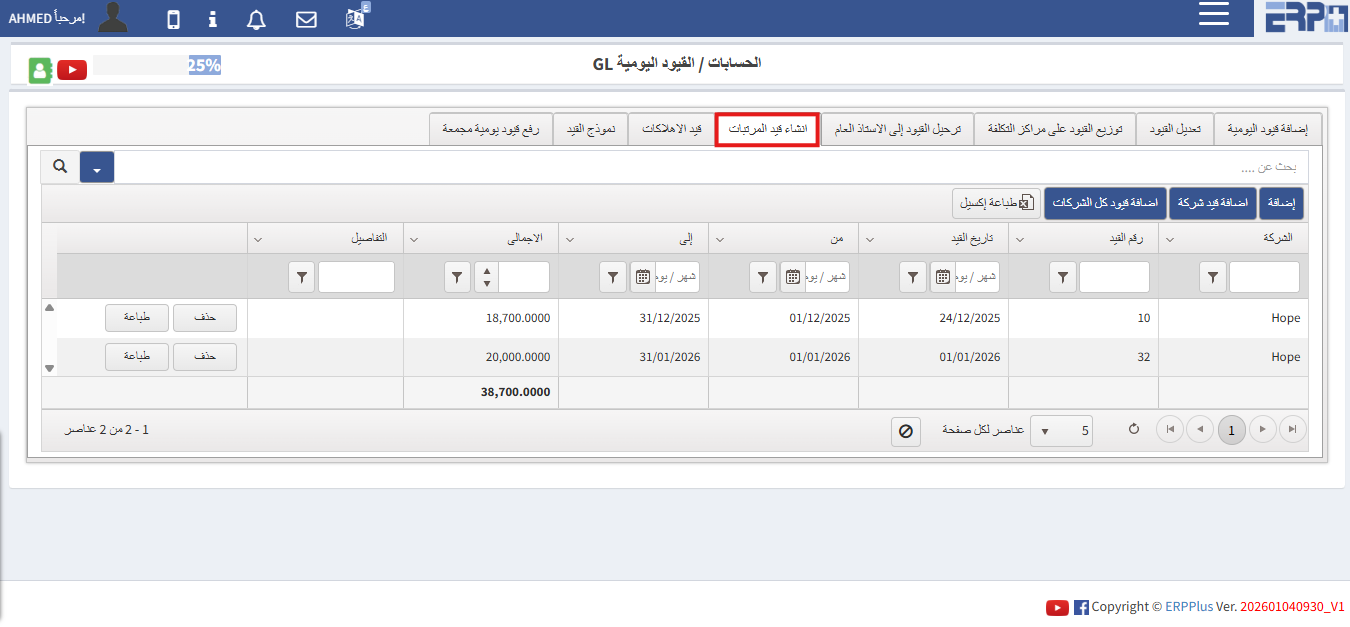
How can I create a payroll entry?
From the Accounts module, then click on Daily Entries GL. There is a button to create a salary entry
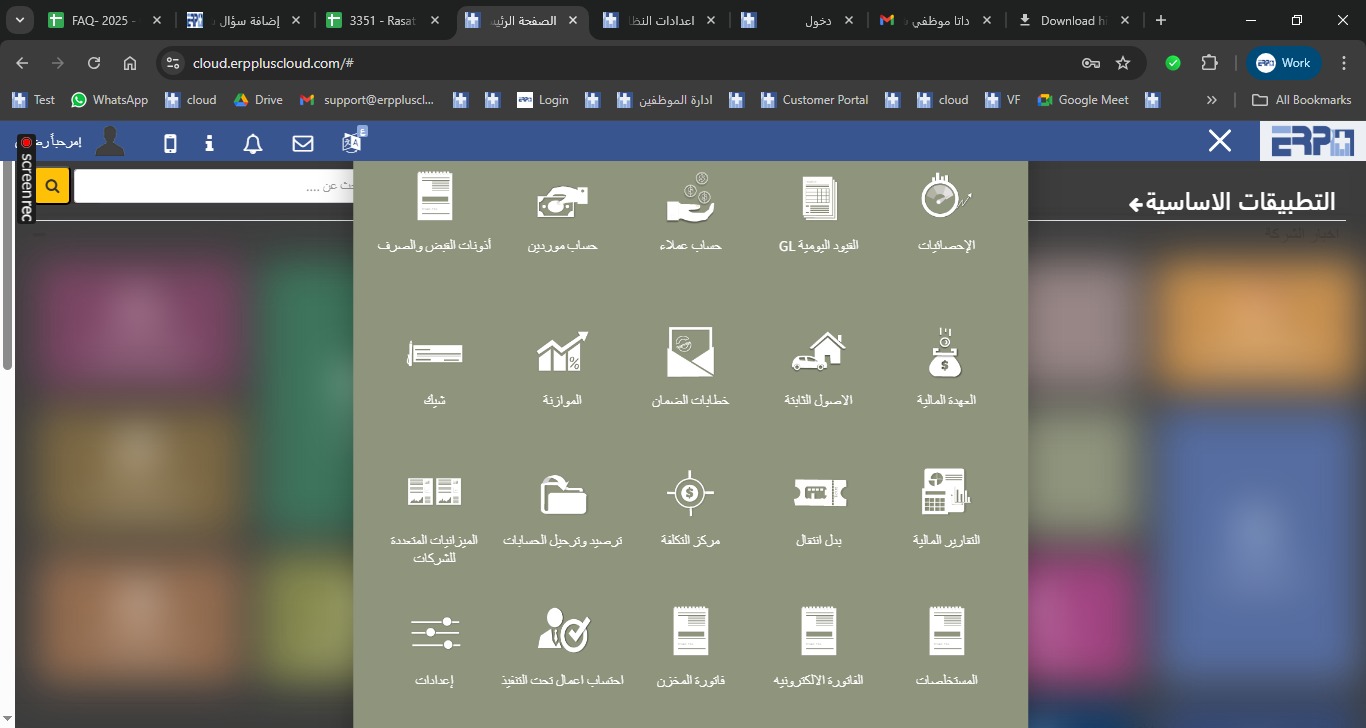
How to add a fiscal year to the company?
From the Accounting moduleGo to SubModule “Settings”Go to Fiscal year Select Add Complete the required details and confirm the request
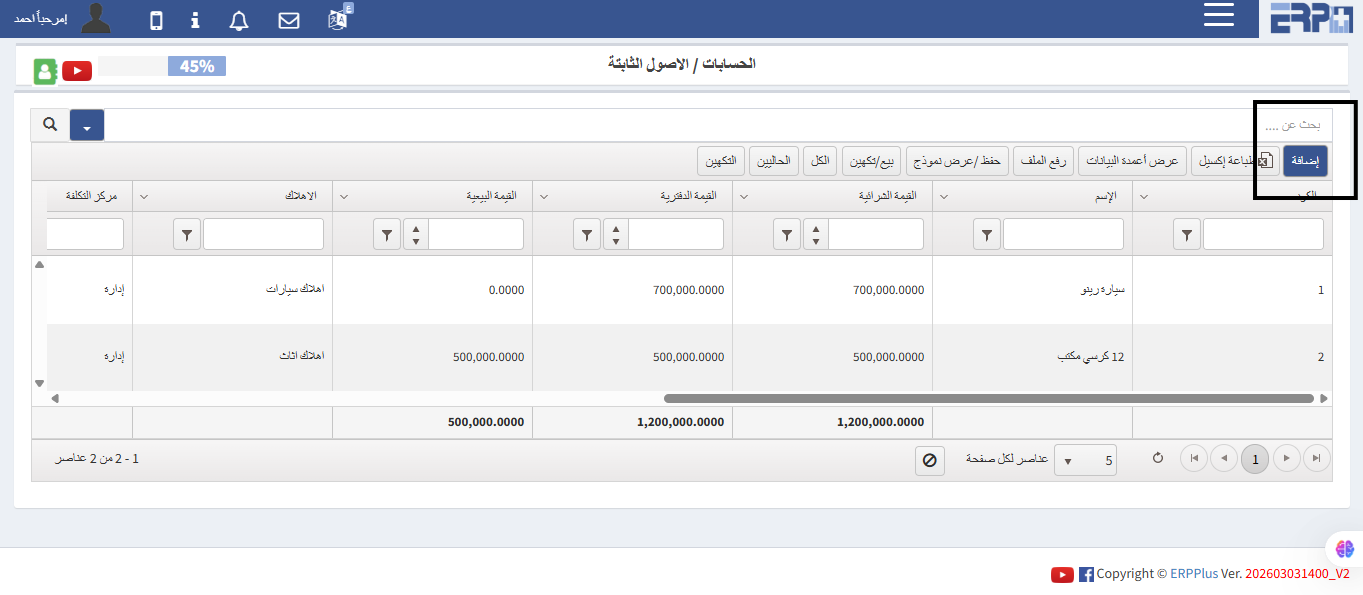
What is the procedure for managing fixed assets within the Accounting module?
From the Accounting module,Navigate to SubModule “ Fixed Assets”Select Add Complete the required details and “Save”
Need more help?
Our support team is always ready to assist you.