Purchasing & Suppliers
KB-201
05 Mar 2026
How can a purchase request be approved to initiate the RFQ process?
From thePurchasing & Suppliers Module ,
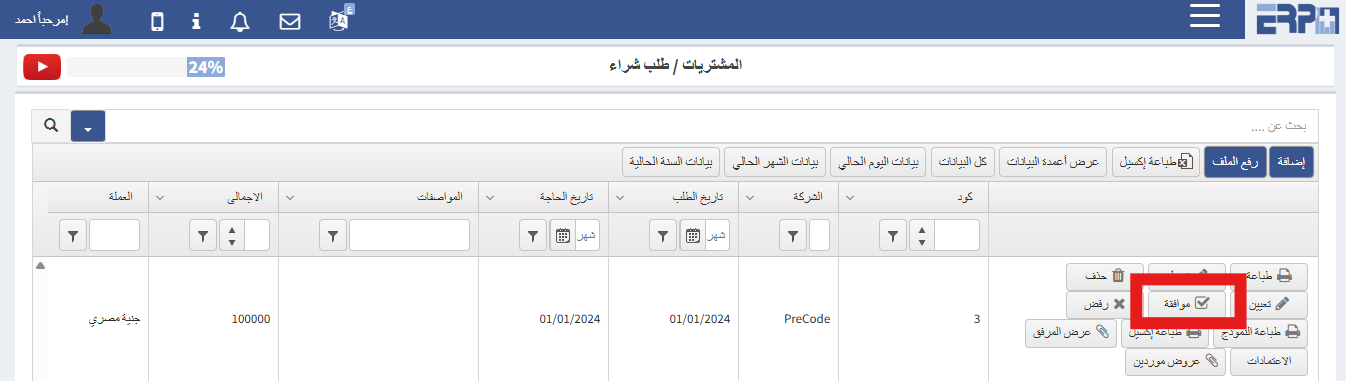
- Go to SubModule “Purchase Request ”
- Search for the relevant purchase request
- Click “Aprrove”
🖼 Visual Guide
🎥 Video Tutorial
#Add
#request
#approval
Was this article helpful?
Send us your feedback or questions about this article.