Stores
KB-194
03 Mar 2026
How to add a new Stock?
From the Inventory Module,
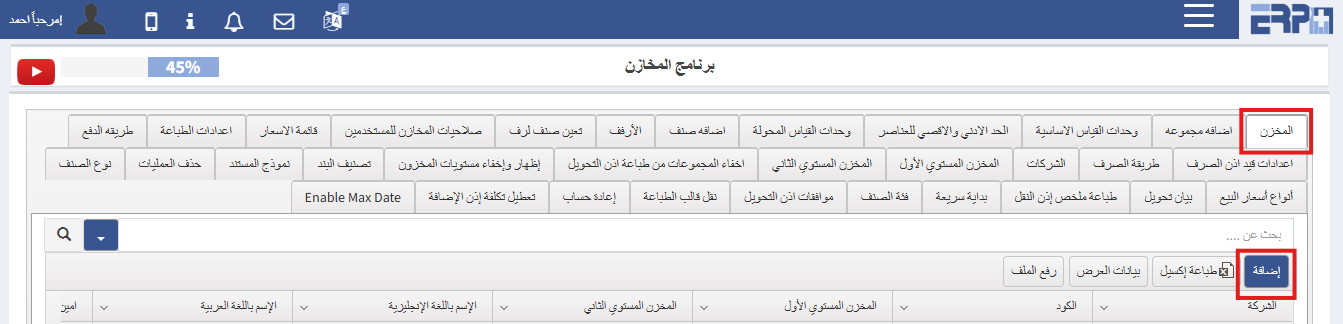
- Go to SubModule “Settings”
- Go to “Stock"
- Click Add
- Complete the required details then “Save”
🖼 Visual Guide
🎥 Video Tutorial
#Add
#store
Was this article helpful?
Send us your feedback or questions about this article.