employees
KB-192
14 Feb 2026
How can the employee’s hiring documents be uploaded to the system?
To upload an employee’s documents:
- Go to the Employees module
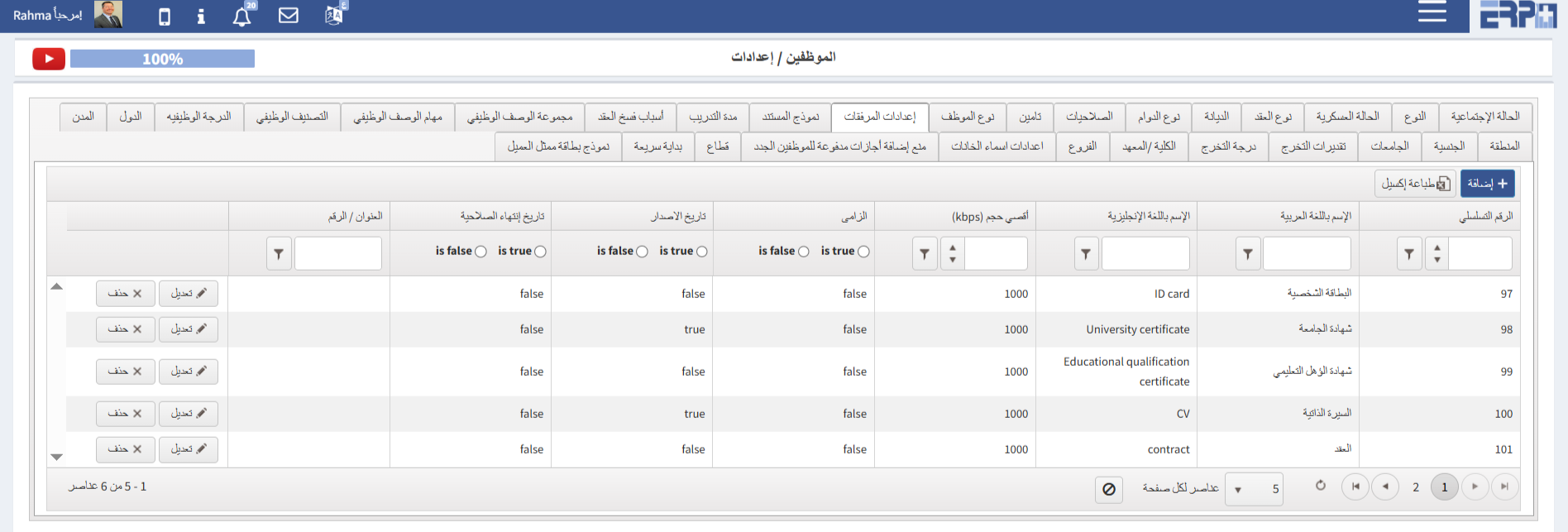
- Navigate to the Settings module then Documents settings
- Add all the required documents for the employee
- The documents can then be attached to the employee either through Employee “Reports Files” or directly via the Add Employee screen
🖼 Visual Guide
🎥 Video Tutorial
#Employee documents
Was this article helpful?
Send us your feedback or questions about this article.